
TeamAI > TeamGPT
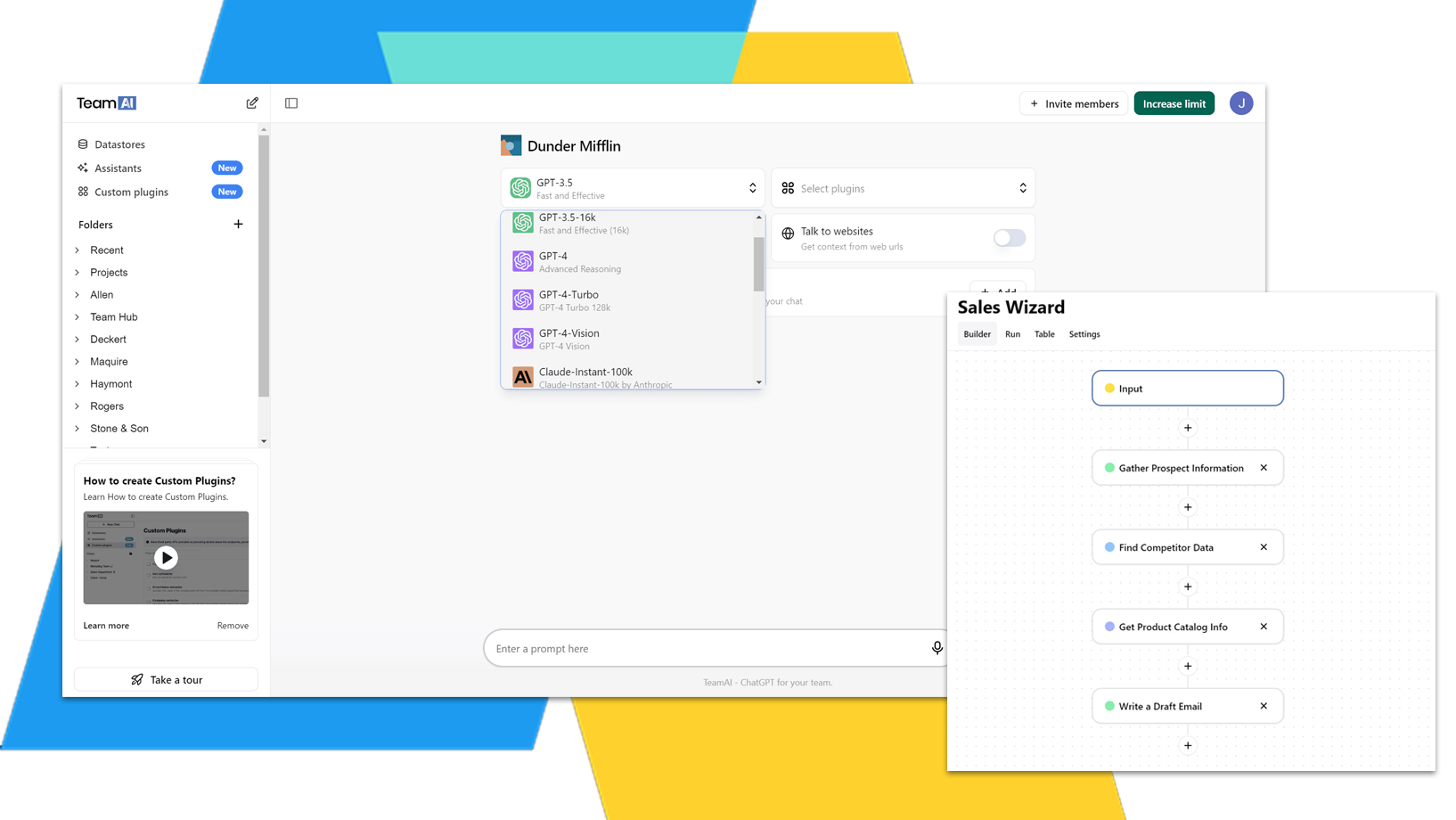
TeamGPT Can’t Automate Your Workflows. TeamAI Can.
With TeamAI, you can:
- String multiple prompts into complex, automated workflows.
- Use TeamAI’s Zapier integration to auto populate docs or sheets.
- Integrate Your Library of documents into an automated workflow.
TeamAI is the upgrade.

Trusted by teams across many industries


Compare TeamAI vs TeamGPT
Store & Chat with 1000s of Your Docs
 Paid Plan Let You Store & Chat with Documents
Store Your Full Website or Support Docs
With Paid TeamAI Plans You Can Upload Websites
Automated Workflows (Multi-step Prompting)
With Paid TeamAI Plans You Can Automate Prompts
Connections to Third Party Endpoints (ex: Zapier)
Store Useful Prompts
TeamAI has 100s of Starter Prompts
Share Useful Prompts with Teammates
Shared Folders / Projects to Store Chats
Team Workspace & Pricing
TeamAI starts with up to 3 users in a workspace
Chat with Multiple Models (Including OpenAI, Google, Meta) without an API
TeamAI does not require you to manage your own API keys.
Create Chatbots Connected to Custom Endpoints
Create Chatbots Connected to Resources
Create Basic Chatbots






Get the Most Impact with TeamAI
From analyzing long documents to brainstorming content ideas, AI is paving the way forward for organizations of all sizes. A staggering 97% of business owners feel that ChatGPT will positively impact their operations. Take AI to the next level and stay ahead of the curve with a flexible workspace designed for whatever the future holds. Get Started in TeamAI »
Superpower Your Work

Superpower Your Work
WebFX uses TeamAI for its 500+ Employees

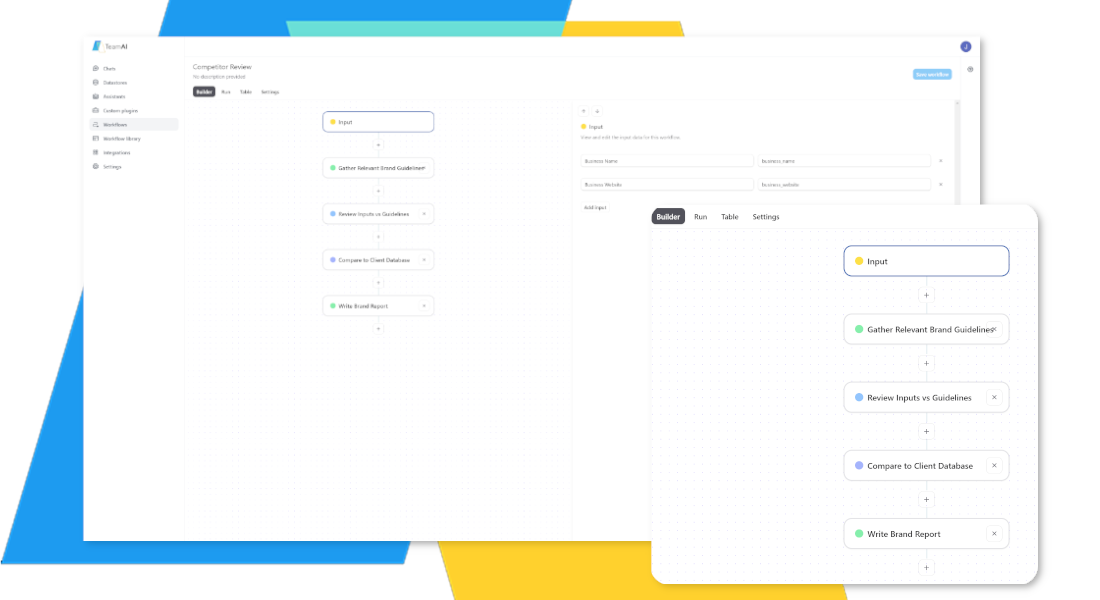
Automated AI Workflows
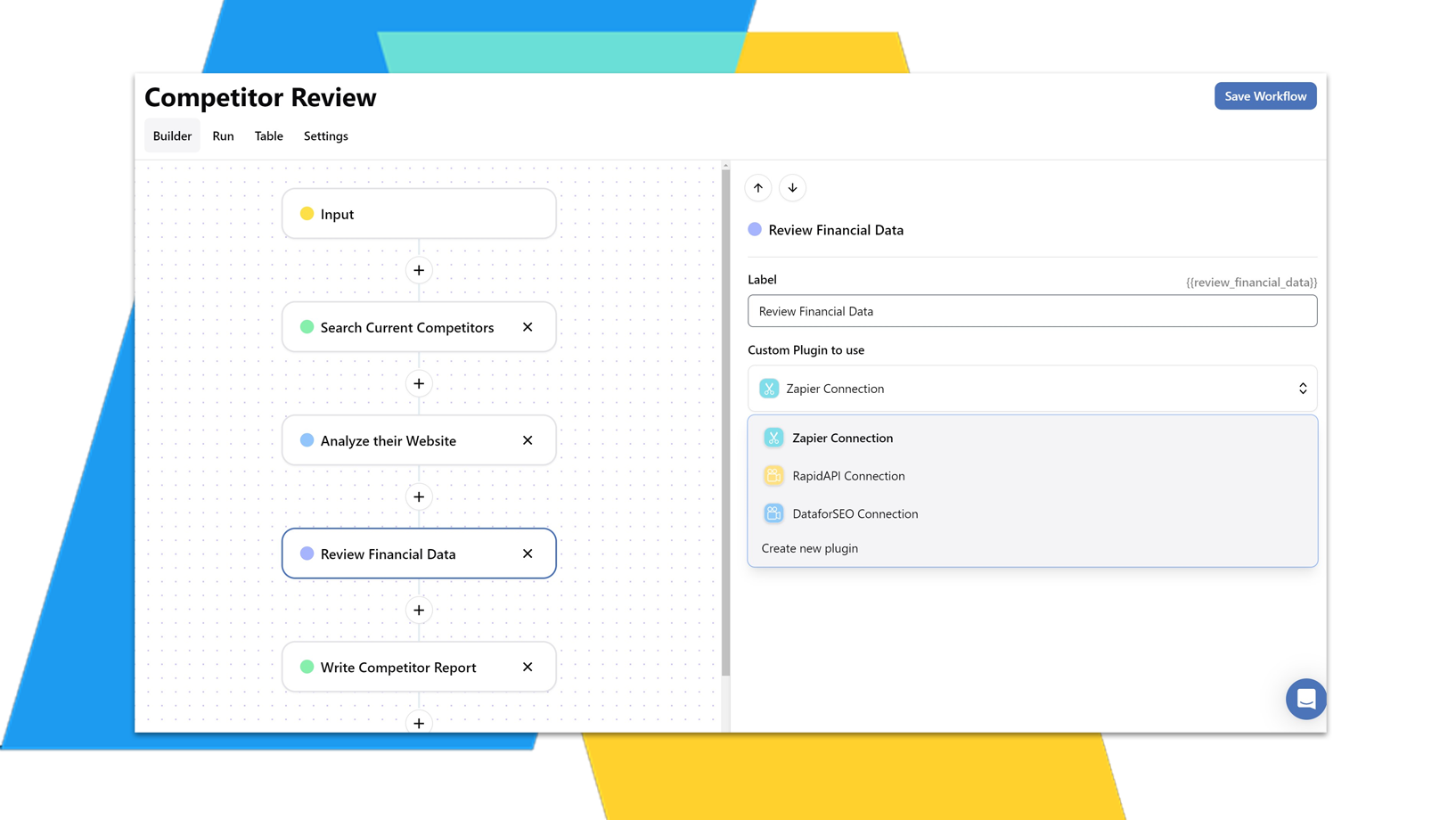
Create Enterprise-Level Automation with multi-step AI workflows by:
- Chatting with OpenAI or Gemini
- Connecting to Custom Plugins
- Integrating with Zapier
- Searching the Web
- Linking to Your Own Data Library
Streamline enterprise operations across your teams.



AI Chat Agents
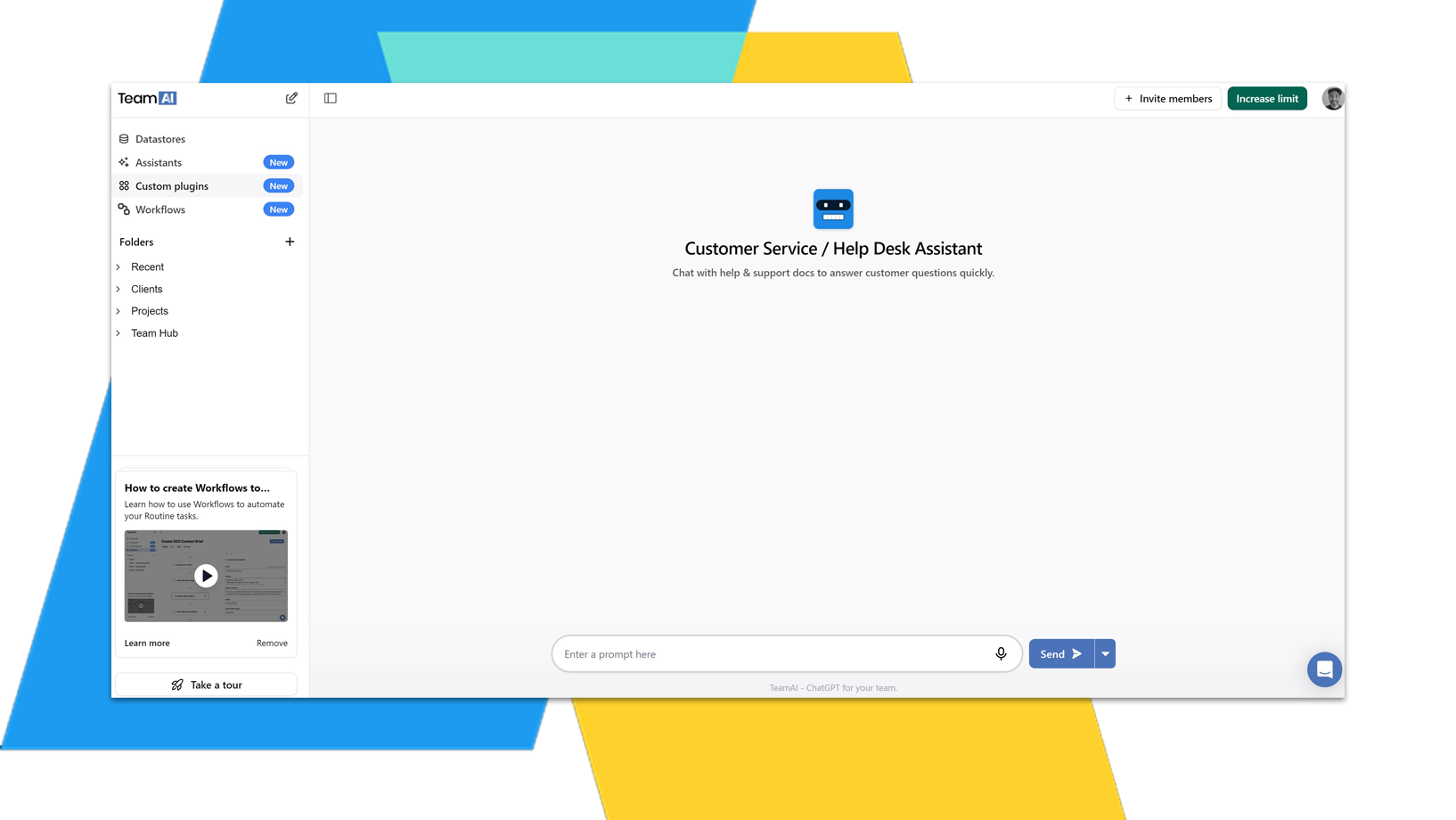
Tailor purpose-built chat agents for any team at an enterprise-scale. Connect with:
- Your Own Document Library
- Zapier Integrations
- Custom Plugins & Database Connections
Provide custom instructions and personas to get the responses you need.


Using Gemini & OpenAI
Keep your enterprise agile with the best AI solutions without the need to manage your own API keys!
Today the best model is GPT-5, tomorrow it’s Gemini Pro. Don’t get stuck with a single model platform like ChatGPT.
TeamAI let’s you pick the best available model for the job.