

AI Chats and Agents for Small Businesses
Do More With the Team You Have
TeamAI puts top AI models, shared prompts, agents, workflows, and your documents in one simple workspace, so you publish faster, sell smarter, and cut AI costs compared to per‑seat tools.
Access to All Major LLMs



Trusted by teams across many industries


Why are you still paying for individual subscriptions?
You need to look bigger than your headcount, without adding payroll or tool sprawl. Per‑seat AI gets expensive fast and buries your best work in personal accounts. TeamAI gives your whole team one shared workspace to save hours each week by automating repeatable tasks while keeping outputs consistent and on-brand with shared prompts. Reuse proven workflows across teammates and roles, and control costs with simple workspace pricing instead of expensive per-seat fees.

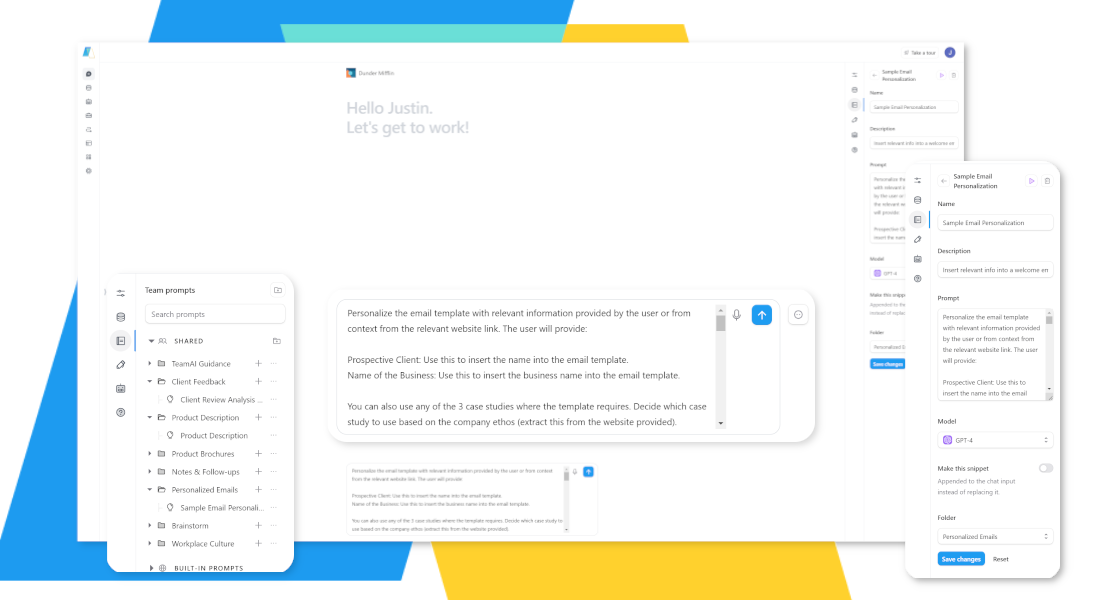
Standardize quality with a shared prompt library
Avoid inconsistent outputs and too much time on first drafts.
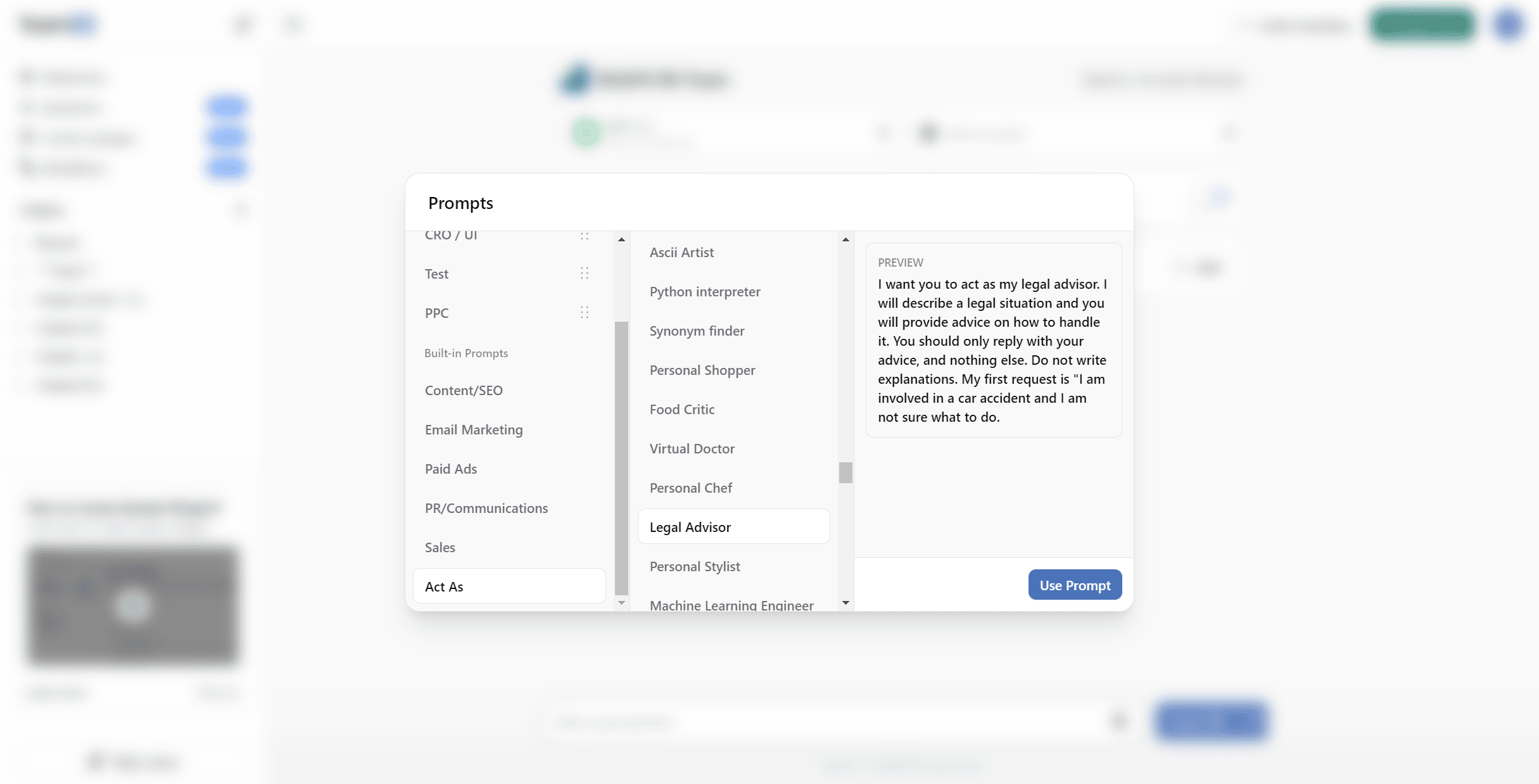
Save your best prompts once and everyone benefits. Turn emails, briefs, proposals, and reports into consistent, on‑brand outputs in minutes, not hours. Approve and improve templates over time so quality steadily rises and new hires ramp faster.



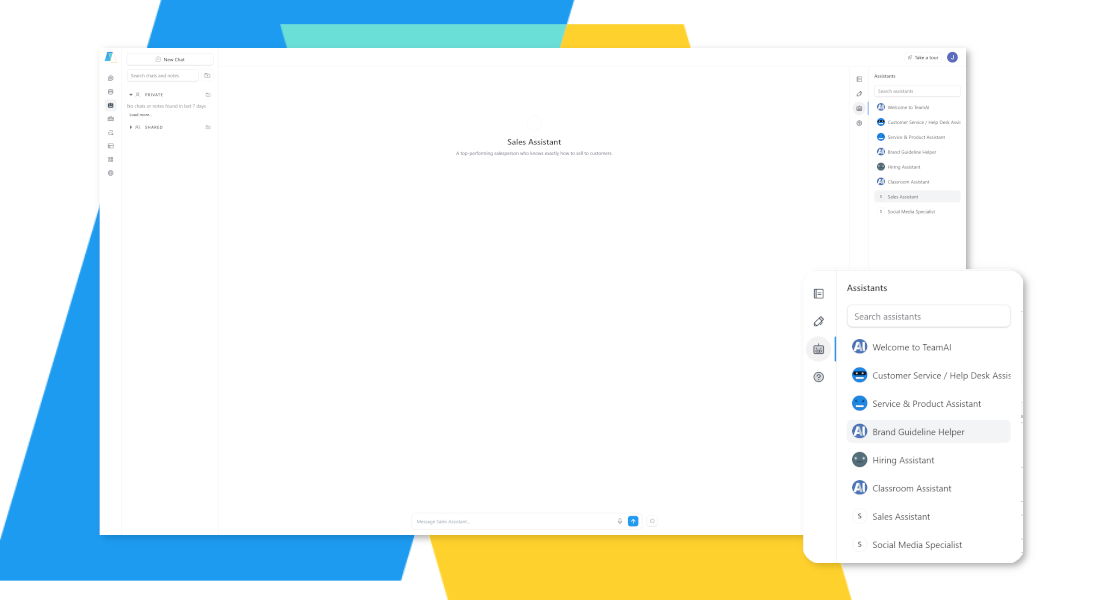
Deploy role‑ready agents that know your business
Stop using generic chats that can’t follow your process or speak your brand
Create no‑code agents that understand your documents, products, and SOPs. Add instructions, connect your data, pick the best AI model, and deploy across marketing, sales, support, hiring, and admin. Get reliable, on‑brand results without adding headcount.



Automate end‑to‑end with no‑code workflows
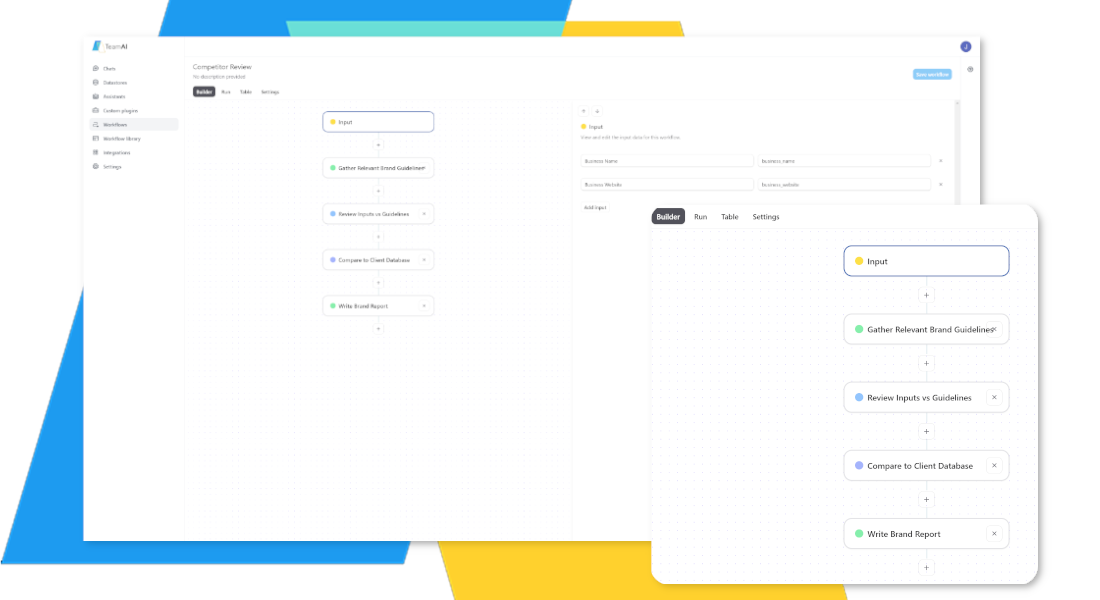
Repetitive tasks eat your day, and results vary by person.
AI workflows Chain prompts, plugins, and real‑time web searches to automate work from start to finish. Set up in minutes and get consistent outputs for weekly reports, content repurposing, research summaries, and more, no matter who runs the task.



Share what works and improve it together
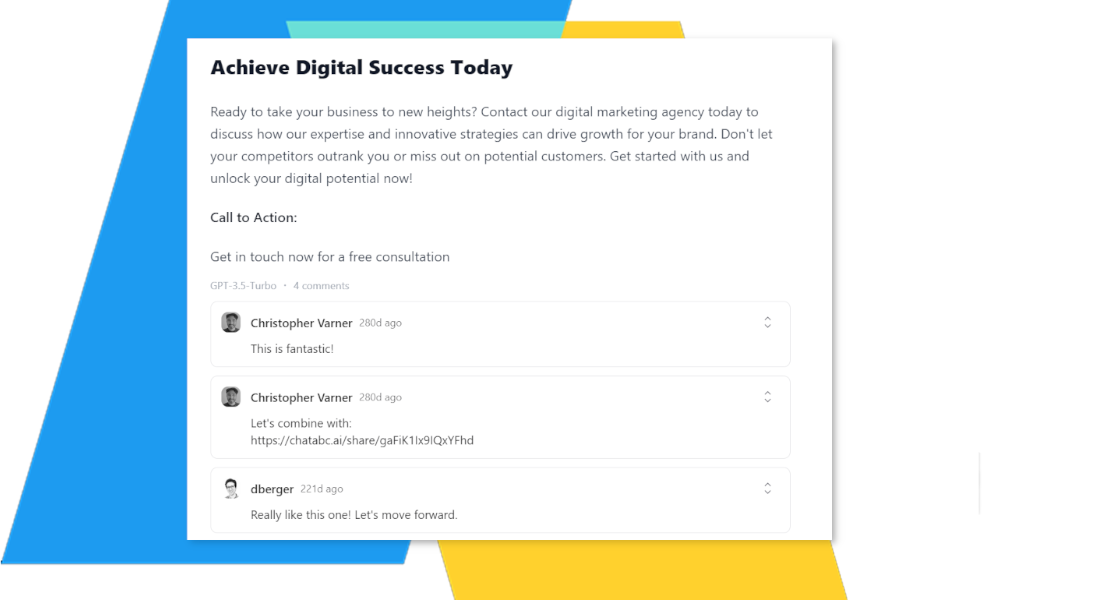
Great work gets stuck in personal accounts and silos.
Centralize conversations, prompts, documents, and folders in one workspace. Teams can fork and refine work, reuse proven playbooks, and keep everyone aligned. You’ll reduce rework and keep output on brand across roles and locations
Superpower Your Team With a Multi-AI Workspace

Superpower Your Team With a Multi-AI Workspace
Thrive found TeamAI easy to implement
Improve Every Team in Your Business
 Marketing

Generate Content Quickly
Keep your strategies up-to-date with faster content creation.
Streamline campaign planning
Automate your workflows so you can spend time on high-value tasks.
Personalize customer journeys
Craft tailored messages that resonate with individual leads.
 Design
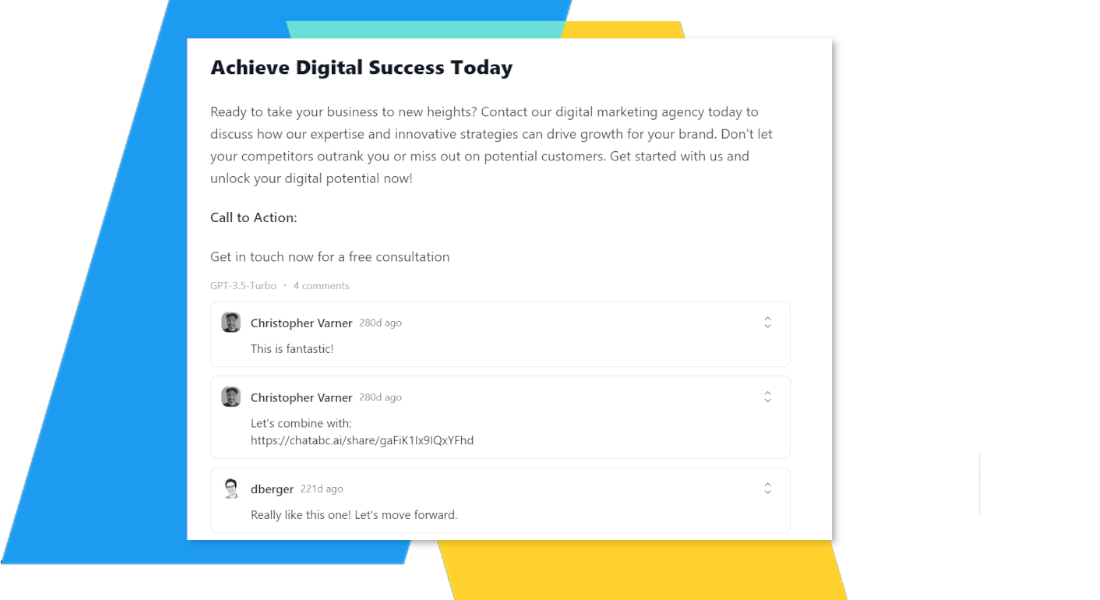
Get Insights from Images
Upload images to get insights and inform your designs.
Spark New Ideas
Jump-start your creativity and explore new directions.
Maintain brand consistency
Ensure every asset aligns with your style guide.
 Hiring
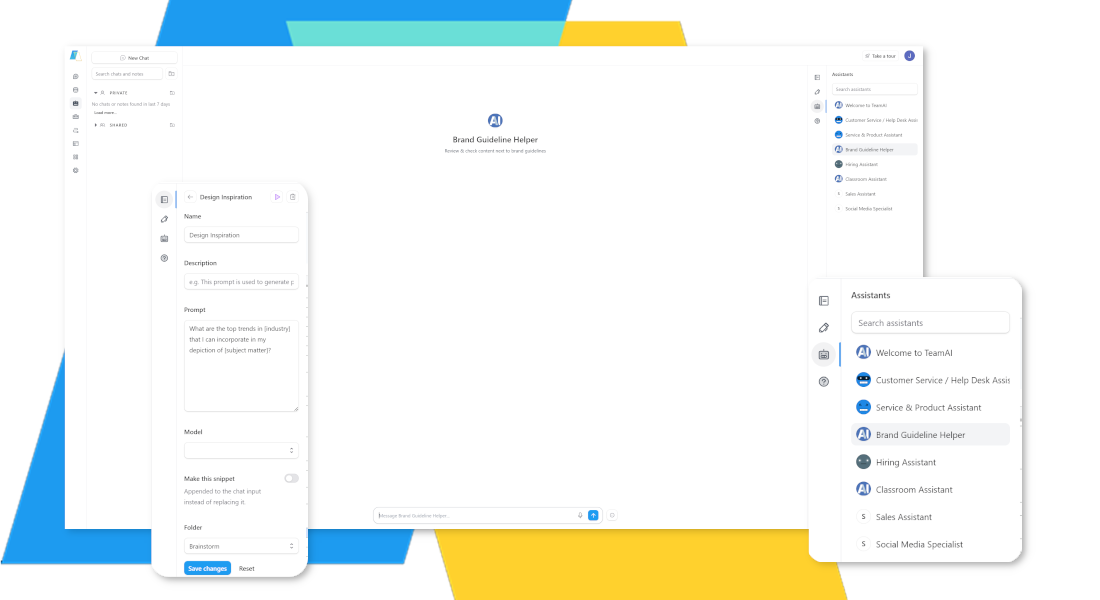
Generate Relevant Questions
Have your AI agent craft relevant interview questions based on the position and your goals.
Analyze Resumes & CVs
Upload a list of responsibilities, and your AI can build a targeted job listing to attract quality candidates.
Streamline candidate outreach
Craft personalized messages that attract top talent.
 HR + Ops
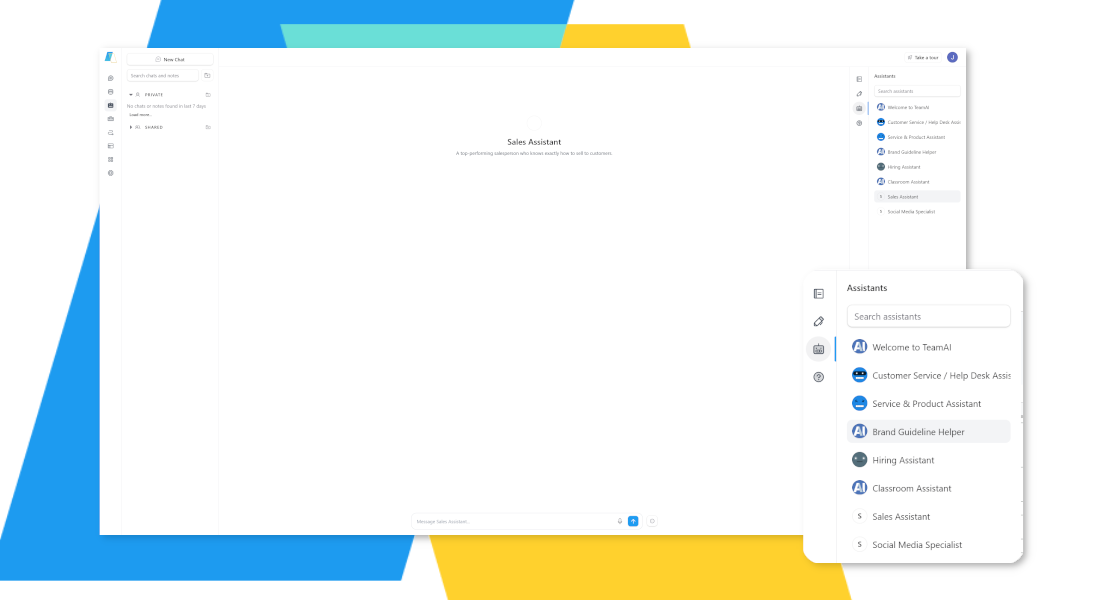
Build Team Guidance
Let your AI generate outlines for handbooks and guides.
Promote Team Learning
Help employees master generative AI through usage insights that tell you where to intervene.
Automate reporting
Generate key reports and updates with a single click.
 Sales
Sales
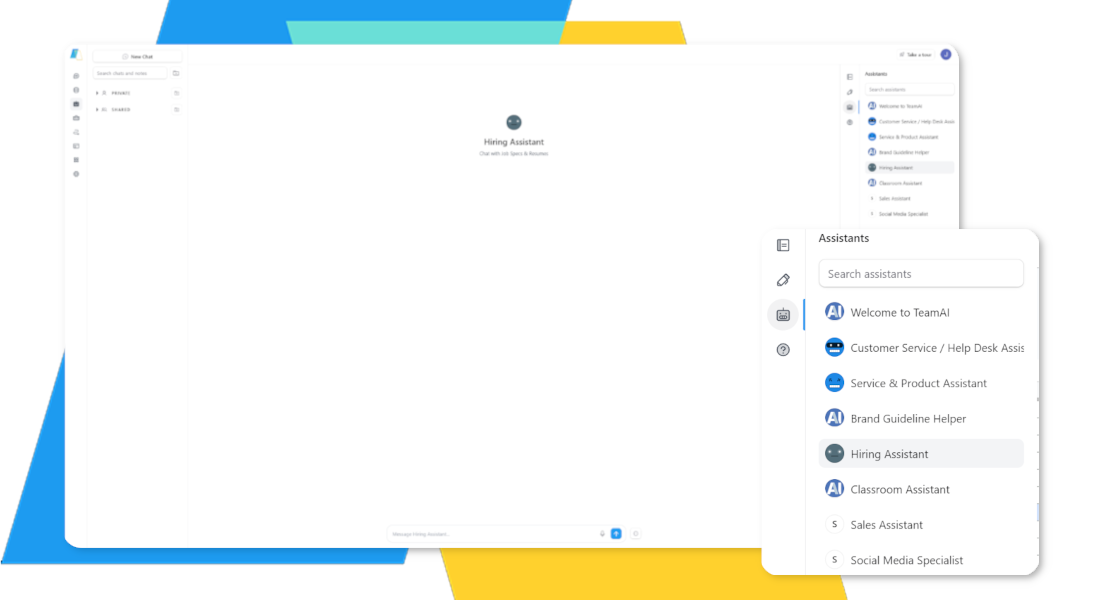
Conduct Market Research
Distill vast amounts of information to identify what your prospects care about.
Ask the Right Questions
AI will help you generate relevant questions and find opportunities with prospects.
Personalize outreach
Craft tailored messages that resonate with individual leads.
 Public Relations
Refine Communications
Have the AI generate text for press releases based on contextual details.
Simplify Frequent Tasks
Need to share reports every month? Add a prompt your custom library to build your messaging faster.
Identify media contacts
Find the right journalists and influencers for your story.
![A blurred screenshot shows a user interface with a section labeled "Prompts." On the left, there are options like "Action Phrases," "Content Ideas," "Email Marketing," "Fact-Checking," and "P&P Administration." In the center, under "Second Brain," options include "Product Brochure," "Customer Care Body," "Write a Newsletter," "Social Media," and "Press Release." To the right, a text box displays a prompt: "Write an internet money to [Company Name] regarding [Topic] in the menu. Apply [Key Details] and [Desired Outcome]. Describe the action, allocate, time, steps, and timeline."](https://platform.teamai.com/wp-content/uploads/2024/02/HR-Ops.png)
 Business Development
Conduct Research Quickly
Summarize and distill information to improve your strategy.
Find Supporting Evidence
Ask the AI to point you toward cases or research that support your claim.
Identify new opportunities
Explore untapped markets and partnership possibilities.


Why TeamAI vs. single‑model tools?
- Workspace pricing, not per‑seat: scale access without paying for unused licenses
- Multi‑LLM flexibility: pick the best model per task, no lock‑in
- Upload once, chat anywhere: your docs and policies in one place
- No‑code: launch in minutes with agents and workflows your team can run
Your team can start collaborating with AI on day one, no technical expertise needed. Get Started»
Integrate TeamAI With Your Favorite Apps Using Zapier