

Design Teams
Design faster. Stay on brand. Reduce rework.
TeamAI brings shared prompts, brand‑safe agents, workflows, and your style guides into one workspace. Now your team can move from brief to concept to handoff in minutes, not days.
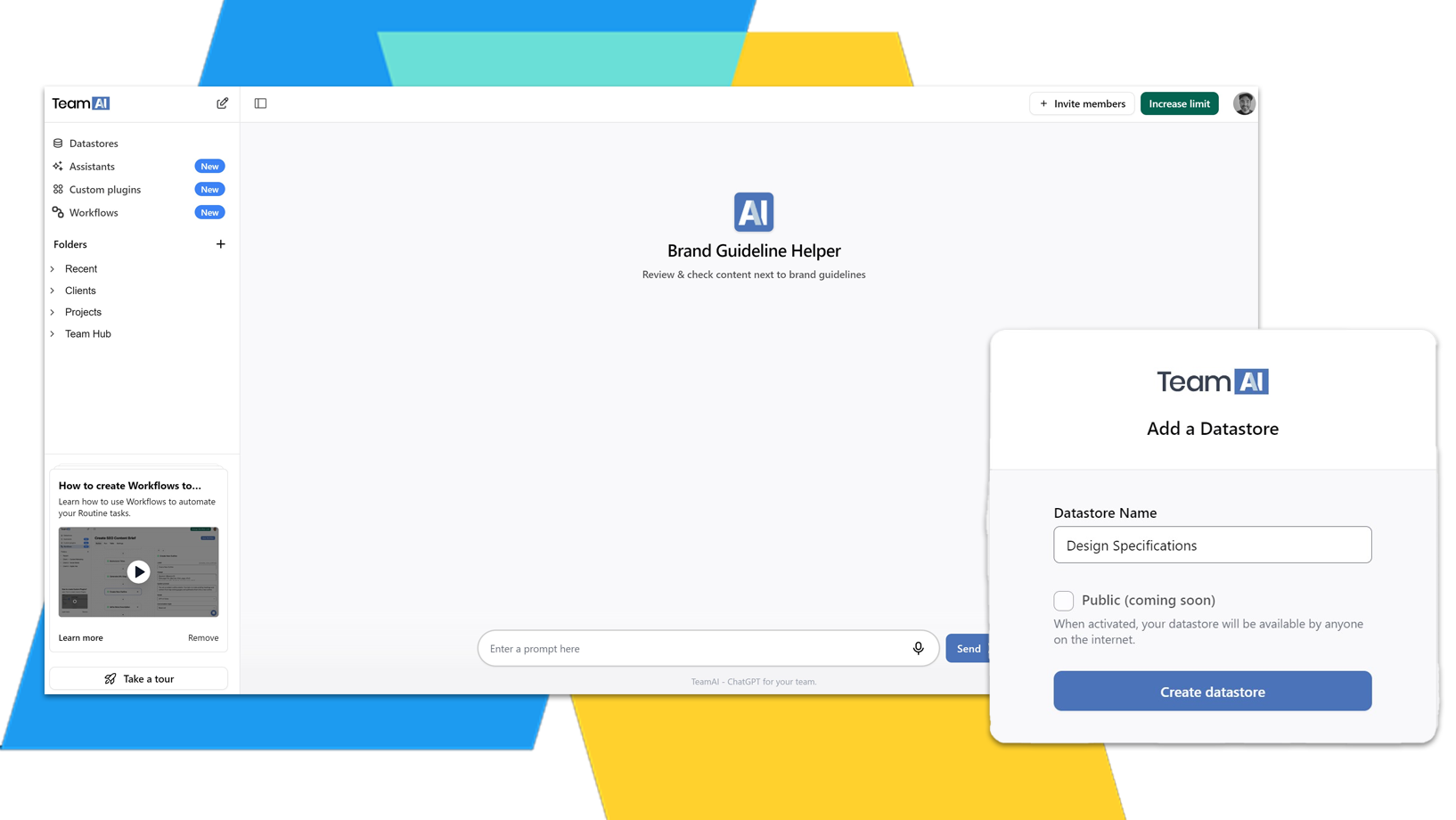

Trusted by teams across many industries



Stuck on a brief? Spark new ideas.
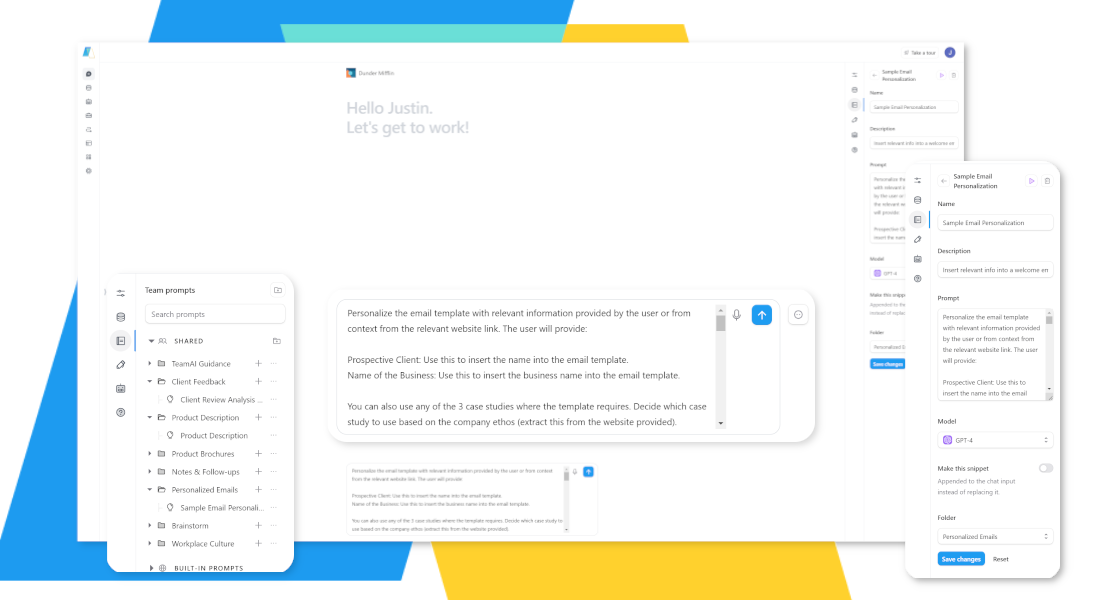
Eliminate Creative Block and Spark Innovation
Stop staring at a blank canvas. TeamAI’s Custom Prompt Library provides a wealth of inspiration and guidance, helping your team quickly generate design ideas, explore different styles, and refine their concepts.
- Overcome creative roadblocks and generate fresh ideas.
- Save time on initial brainstorming and concept development.
- Ensure all designs align with your brand aesthetic.



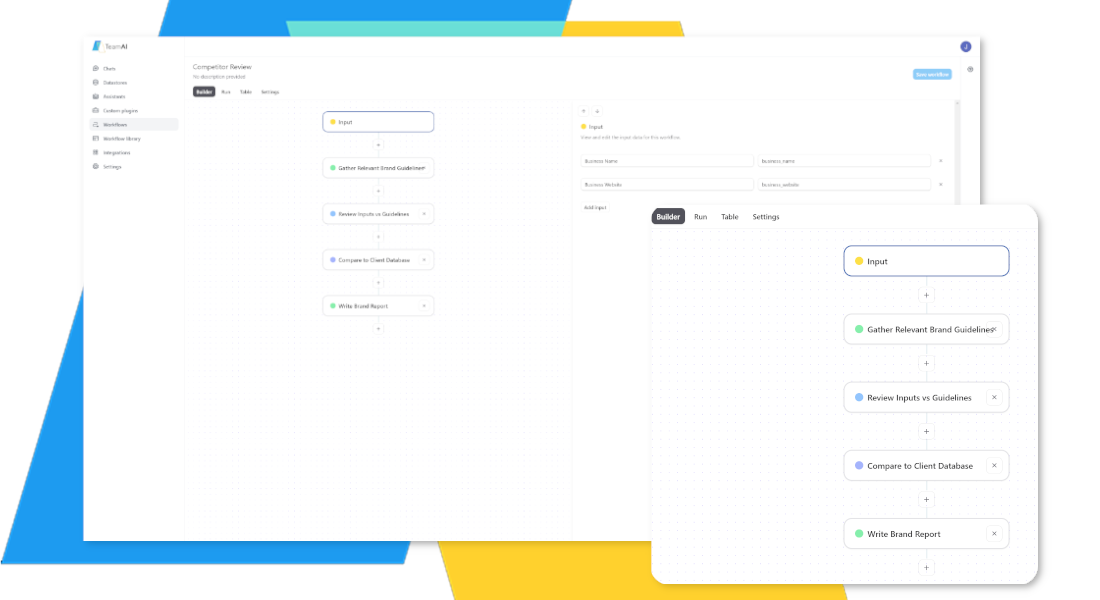
Automate Repetitive Tasks and Free Up Creative Time
Streamline your design process with automated workflows that handle the tedious tasks.
Focus on what you do best: designing. TeamAI’s Automated Workflows take care of the repetitive tasks, such as creating design briefs, generating color schemes, and preparing assets for handoff.
- Reduce time spent on administrative tasks.
- Ensure consistency across all design projects.
- Improve team efficiency and productivity.



Keep Brand Assets at Your Fingertips
Access your style guides, templates, and project documents in one central location.
No more searching through endless folders. TeamAI’s AI Data Hub provides a centralized repository for all your design assets, making it easy for your team to find the resources they need, when they need them.
- Ensure brand consistency across all designs.
- Reduce time spent searching for assets.
- Improve team collaboration and knowledge sharing.


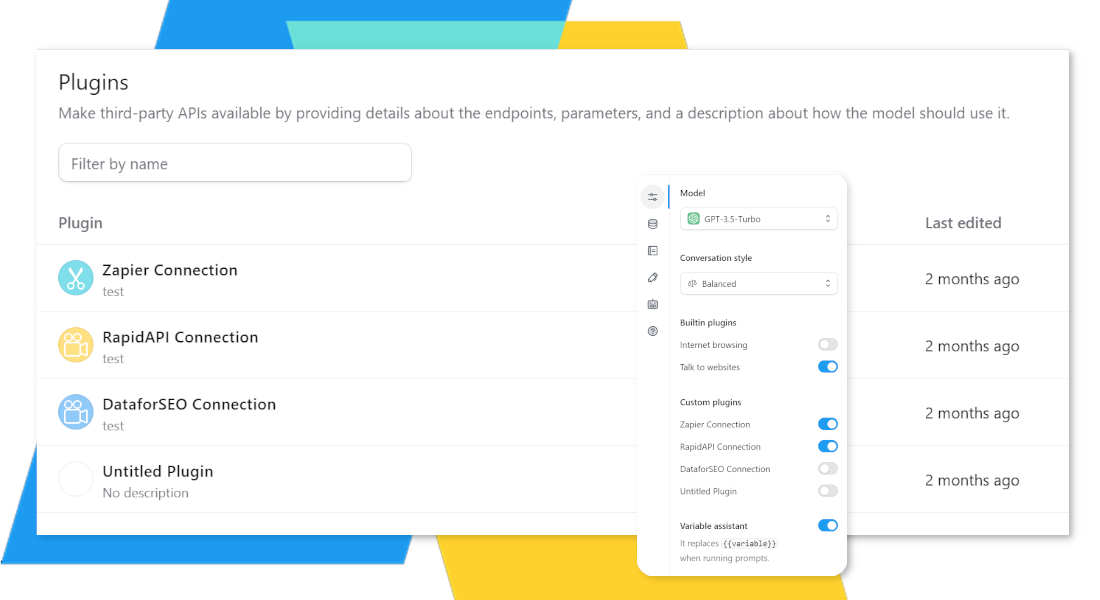

Build AI Agents That Understand Your Brand
Create custom assistants for briefs, feedback, and style QA.
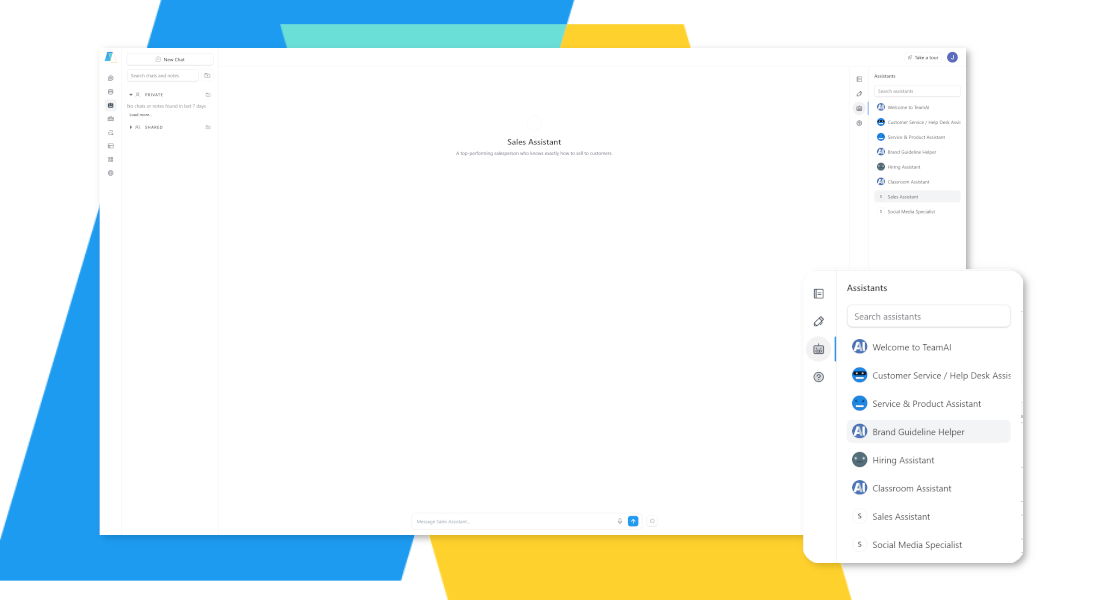
Imagine having an AI assistant that knows your brand inside and out. With TeamAI’s Custom Agents, you can build AI-powered collaborators that provide personalized support, answer questions, and ensure all designs adhere to your brand guidelines.
- Get instant answers to design-related questions.
- Receive personalized feedback on your designs.
- Ensure all designs align with your brand standards.
AI Saves Time and Drives Revenue

AI Saves Time and Drives Revenue
Thrive Superpowers it’s Marketing Team
Integrate TeamAI With Your Favorite Apps Using Zapier



Work Together Toward Stunning Designs
While the human touch is vital to the design process, TeamAI makes your job easier. This solution can enhance team communication and collaboration for more effective design research or ideation support with features like shared chats and prompts.
It also provides personal assistance by helping you manage a long to-do list or maintain design consistency. After you complete a design, use TeamAI to assess the feedback and gather insights to review. TeamAI supports you with background tasks, so you have more time to spend on the task you love , designing.
AI support for creative minds
Start Using TeamAIWhether you need a spark to ignite your creativity or some feedback to enhance the revision process, turn to TeamAI. This platform provides a valuable tool to support you as you design. It improves collaboration, bringing your design team together for better results.