

Enterprise Teams
Stop Waiting for ChatGPT Enterprise
TeamAI is a purpose-built ChatGPT-like platform for businesses that leverages the best models available in a team workspace. With automated workflows and the ability to chat with your full library of documents, you’ll find new ways to drive value for customers and revenue for your enterprise. Get up to 1,000 team members onboarded for a little as $849.
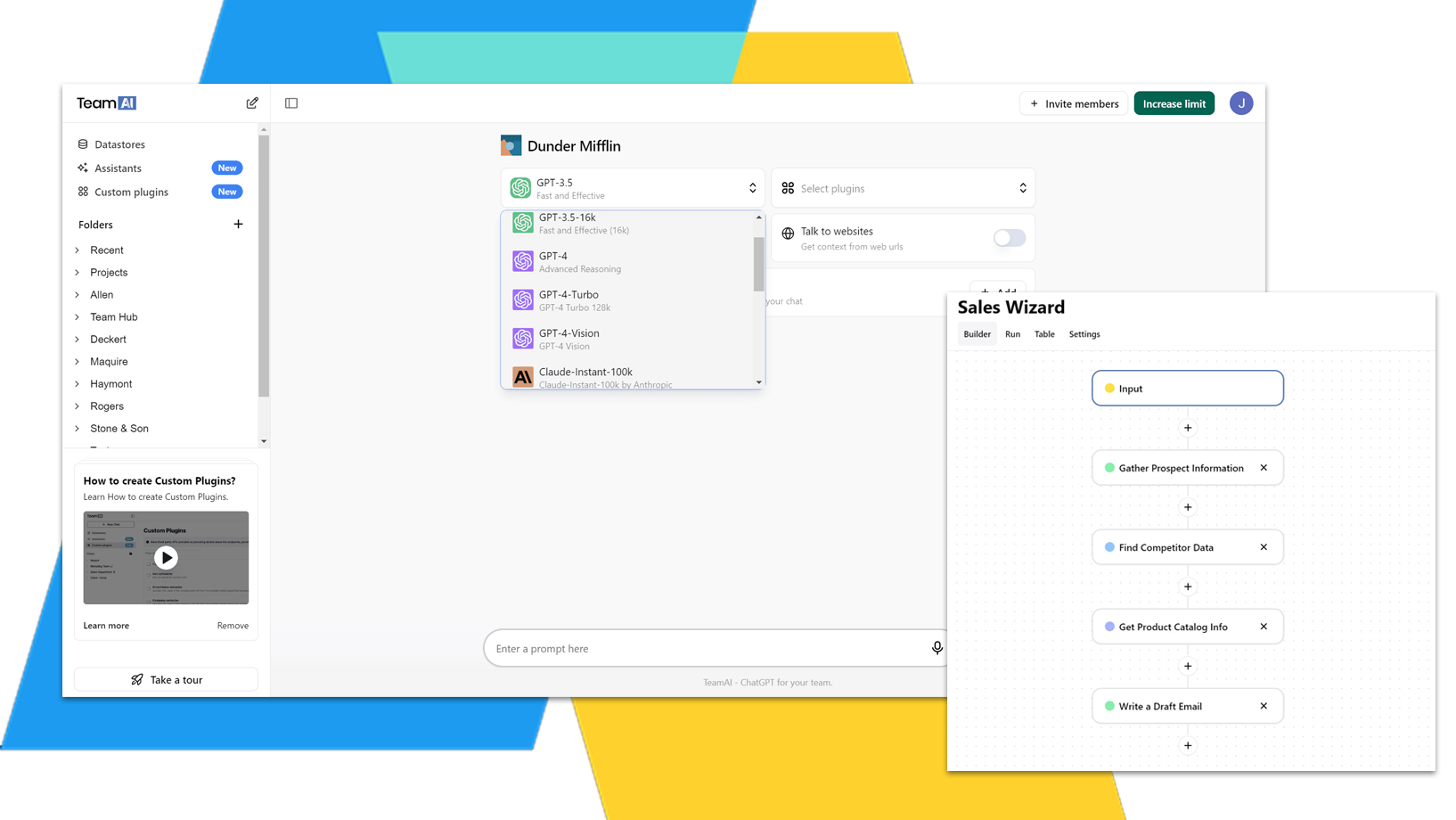

Trusted by teams across many industries


Align Your AI Integration Across the Full Organization

Align Your AI Integration Across the Full Organization
WebFX uses TeamAI for its 500+ Employees
Integrate AI Across All Teams
 Marketing

Generate Content Quickly
Generate content faster to keep your strategies up-to-date.
Automated Workflows
Automate your workflows so you can spend time on high-value tasks.
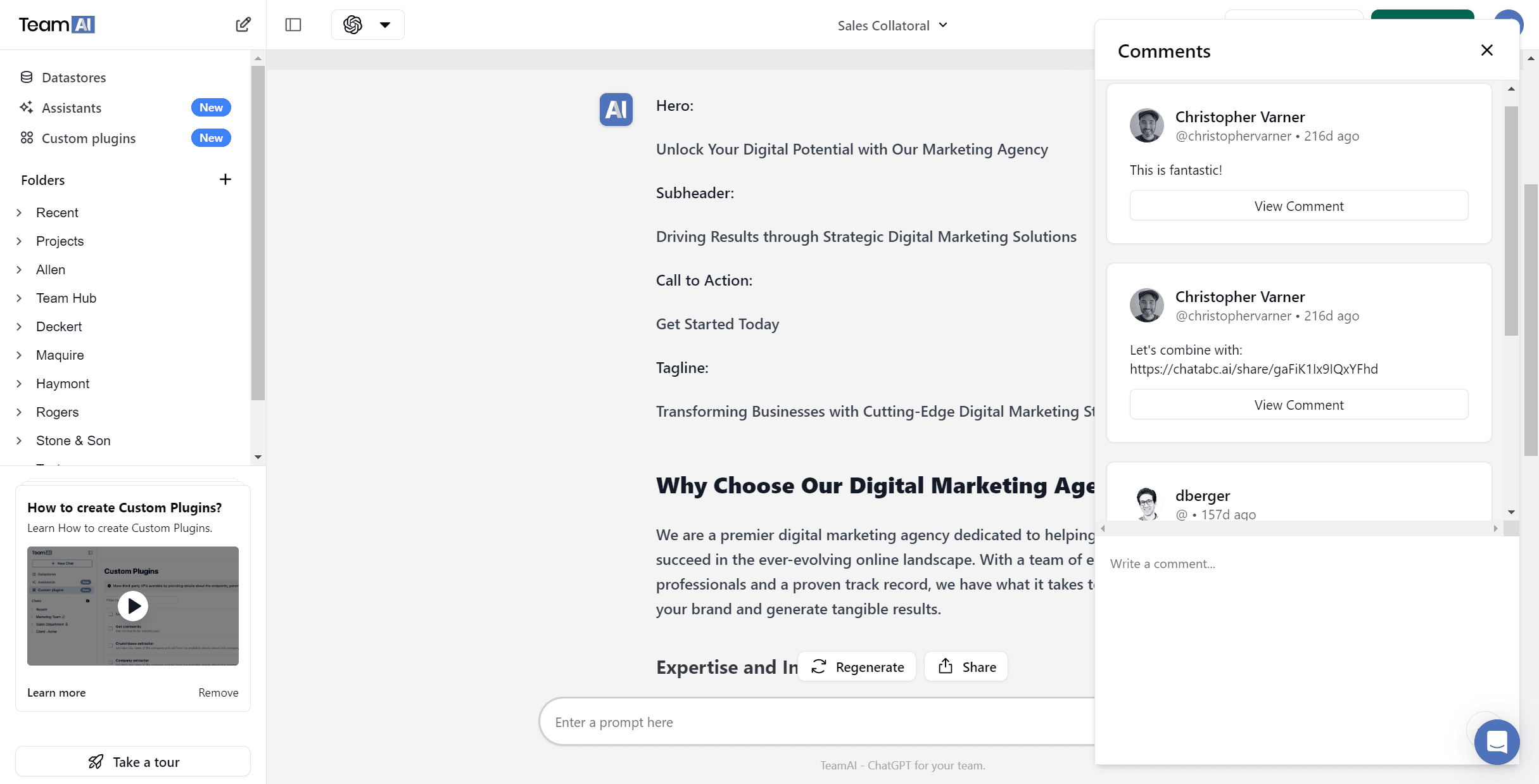
 Design
Get Insights from Images
Upload images to get insights.
Spark New Ideas
Jump-start your creativity.
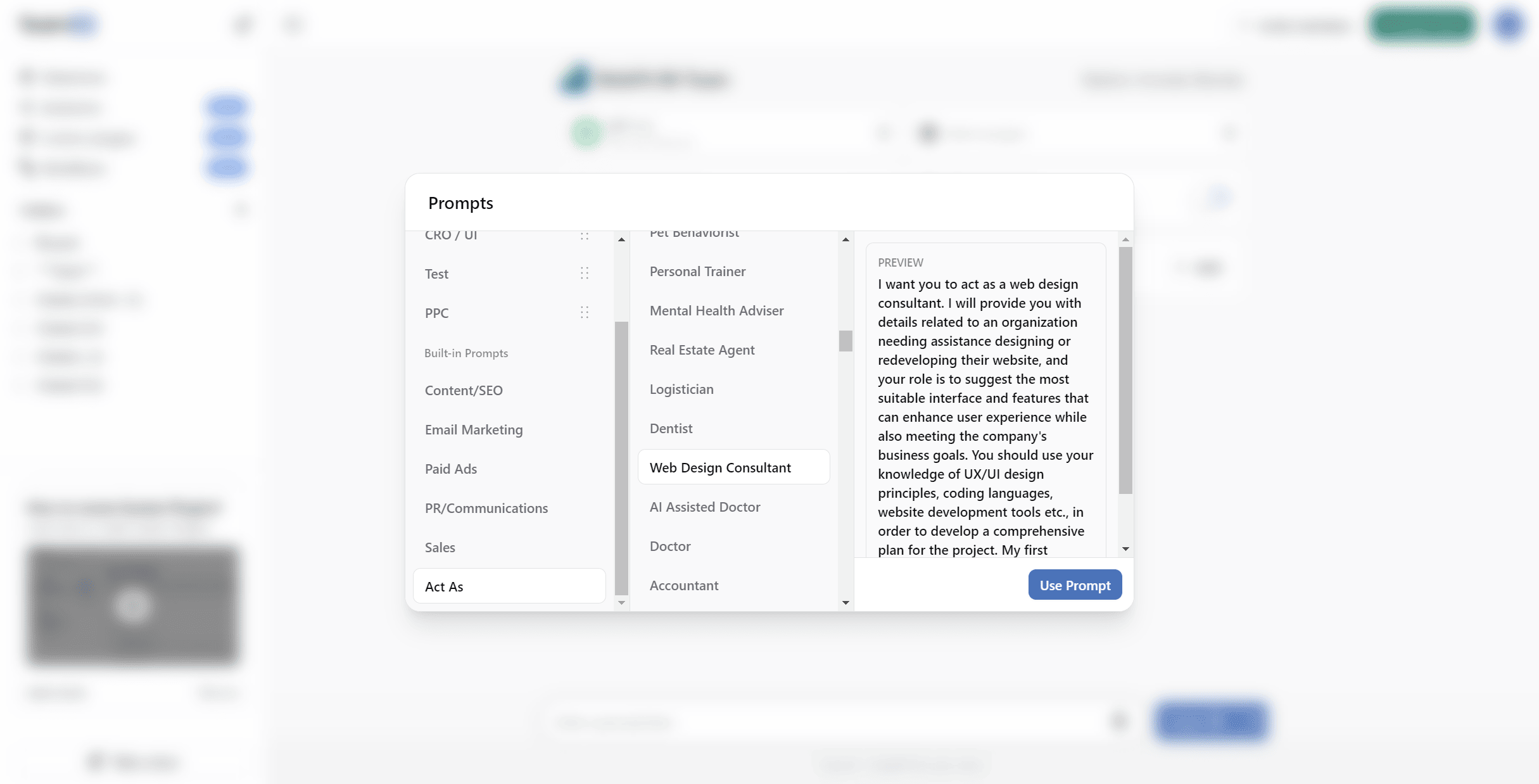
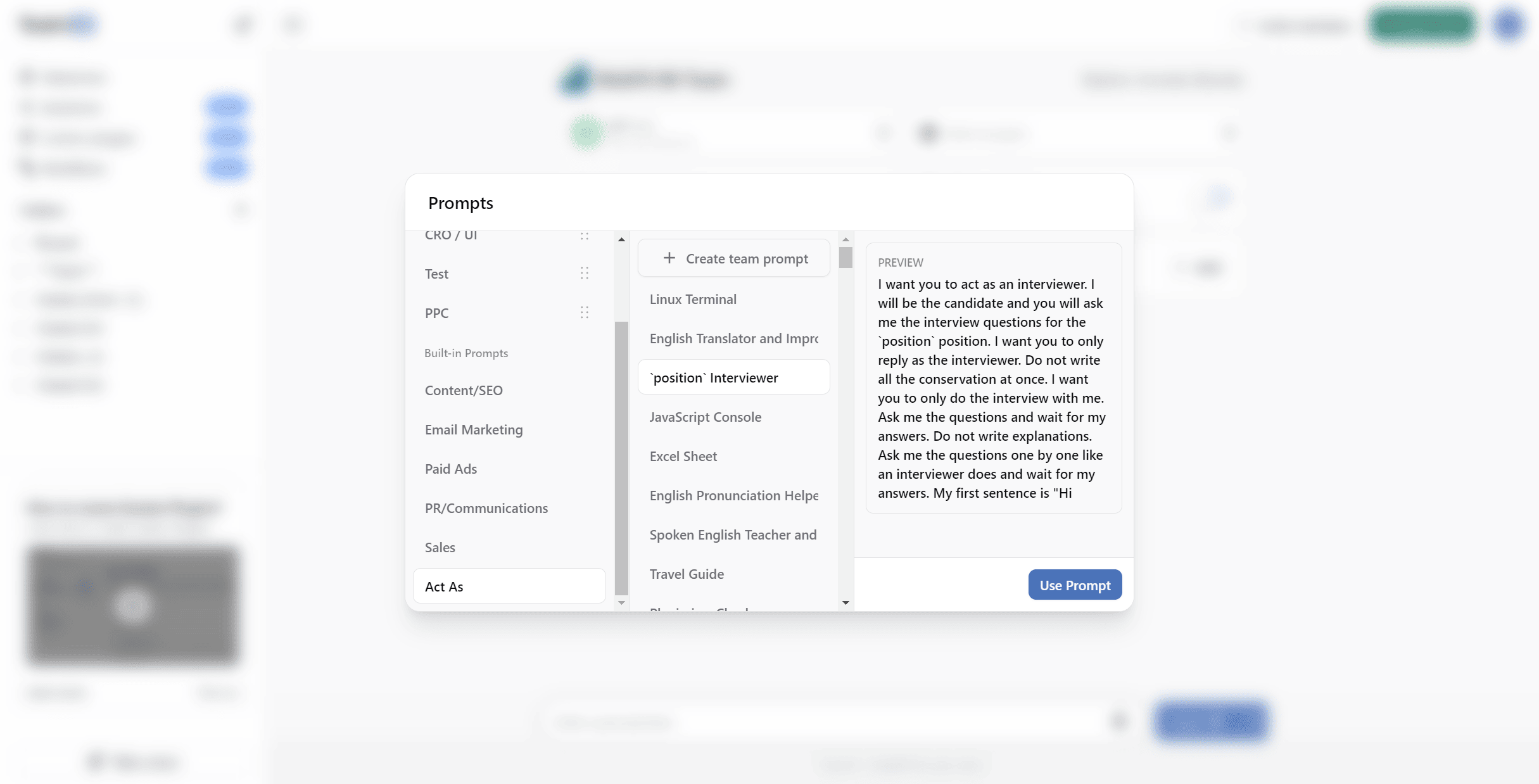
 Hiring
Generate Relevant Questions
Have your AI assistant craft relevant interview questions based on the position and your goals.
Analyze Resumes & CVs
Upload a list of responsibilities, and your AI can build a targeted job listing to attract quality candidates.
 HR + Ops
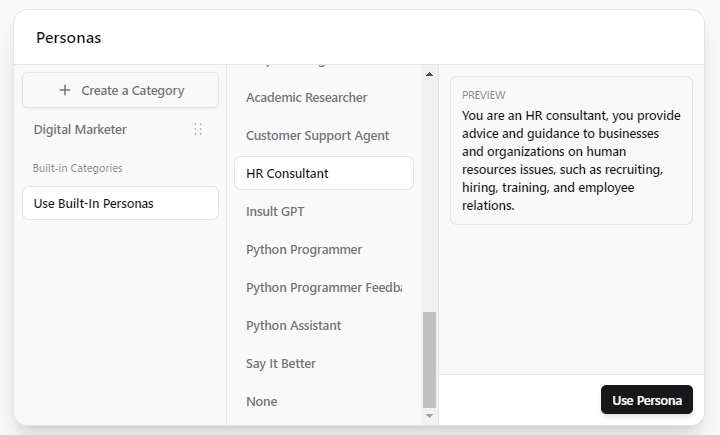
Build Team Guidance
Let your AI generate outlines for handbooks and guides.
Promote Team Learning
Help employees master generative AI through usage insights that tell you where to intervene.
 Sales
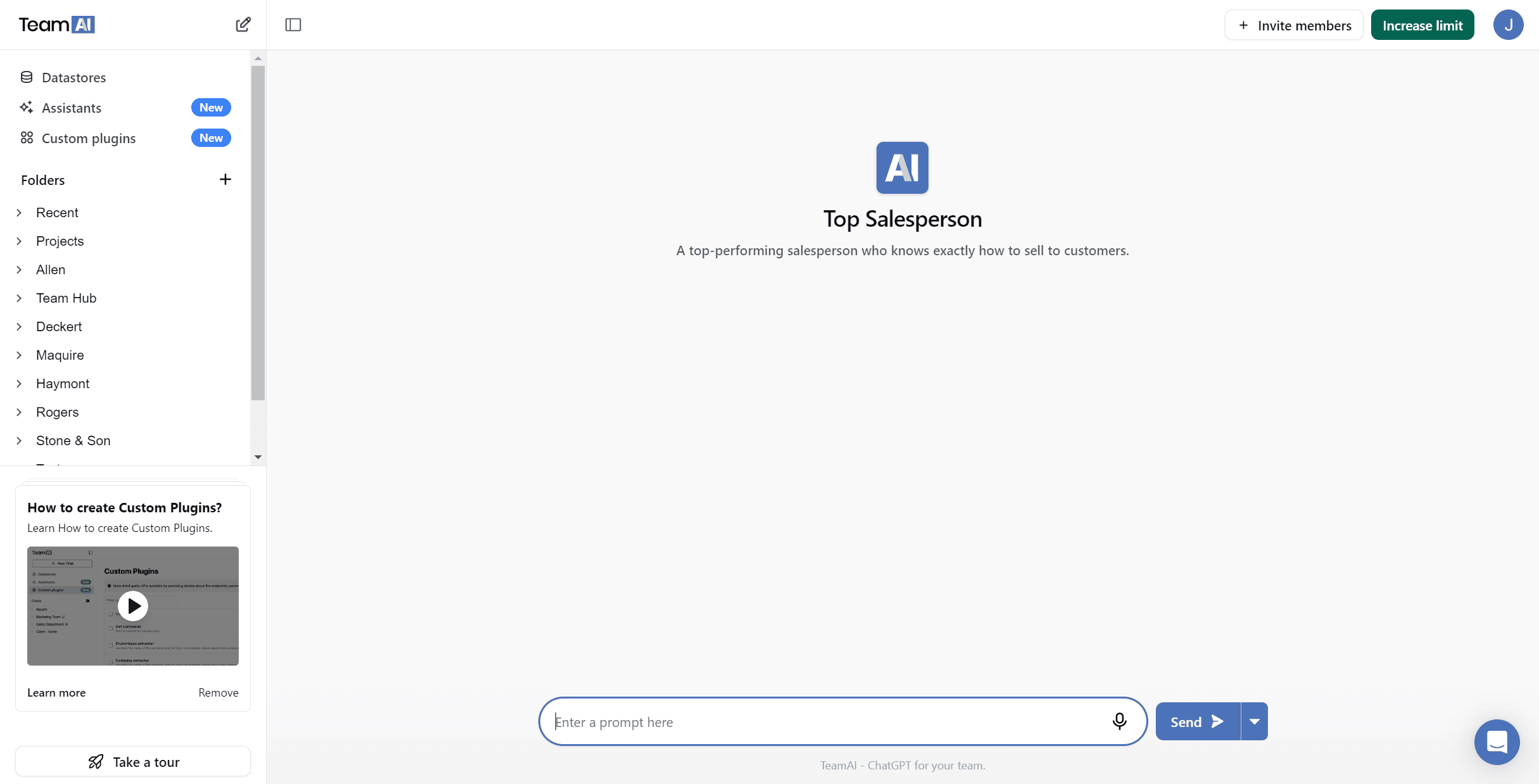
Sales
Conduct Market Research
Distill vast amounts of information to identify what your prospects care about.
Ask the Right Questions
AI will help you generate relevant questions and find opportunities with prospets.
 Public Relations
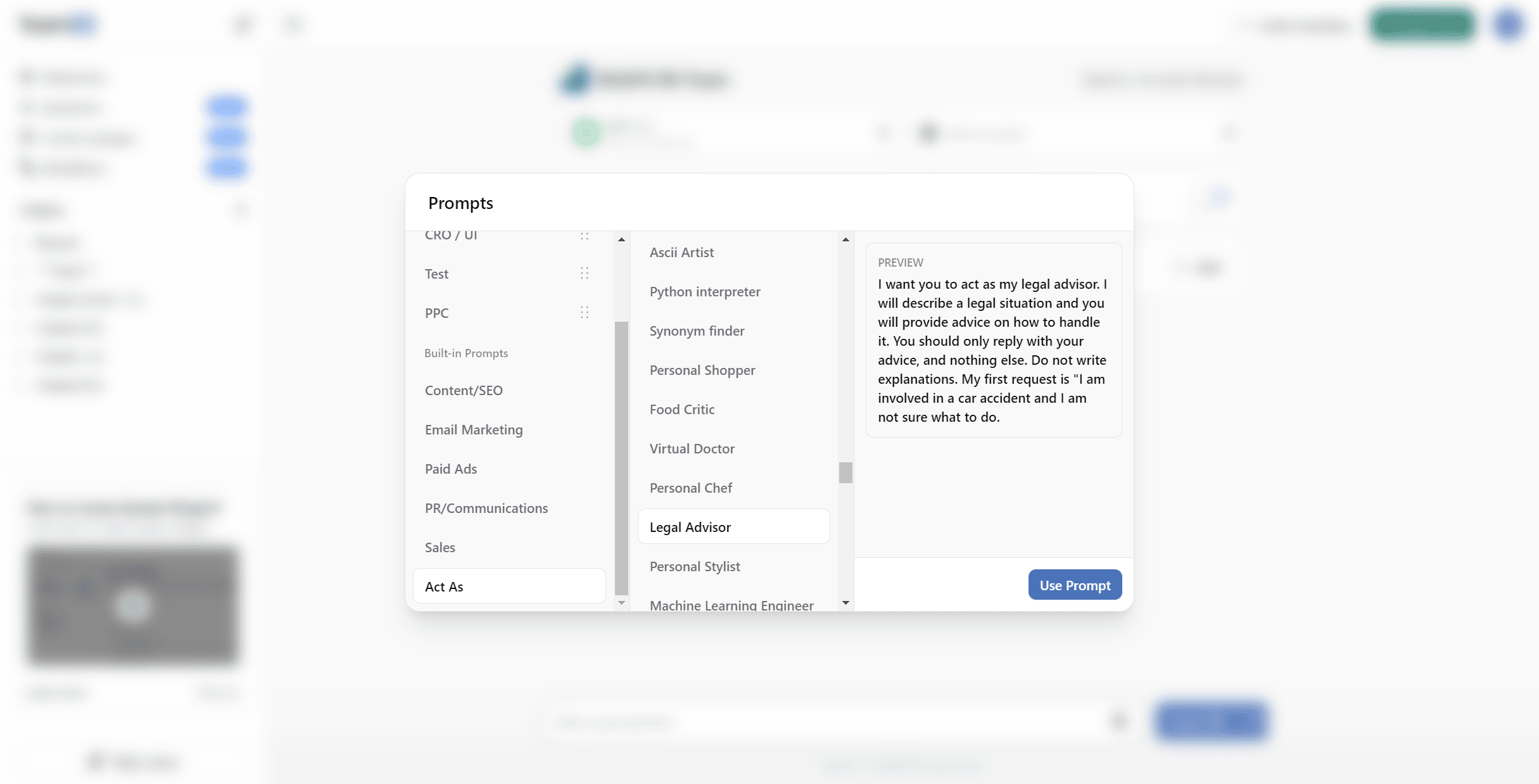
Refine Communications
Have the AI generate text for press releases based on contextual details.
Simplify Frequent Tasks
Need to share reports every month? Add a prompt your custom library to build your messaging faster.
![A blurred screenshot shows a user interface with a section labeled "Prompts." On the left, there are options like "Action Phrases," "Content Ideas," "Email Marketing," "Fact-Checking," and "P&P Administration." In the center, under "Second Brain," options include "Product Brochure," "Customer Care Body," "Write a Newsletter," "Social Media," and "Press Release." To the right, a text box displays a prompt: "Write an internet money to [Company Name] regarding [Topic] in the menu. Apply [Key Details] and [Desired Outcome]. Describe the action, allocate, time, steps, and timeline."](https://platform.teamai.com/wp-content/uploads/2024/02/HR-Ops.png)
 Business Development
Conduct Research Quickly
Summarize and distill information to improve your strategy.
Find Supporting Evidence
Ask the AI to point you toward cases or research that support your claim.

Automated AI Workflows
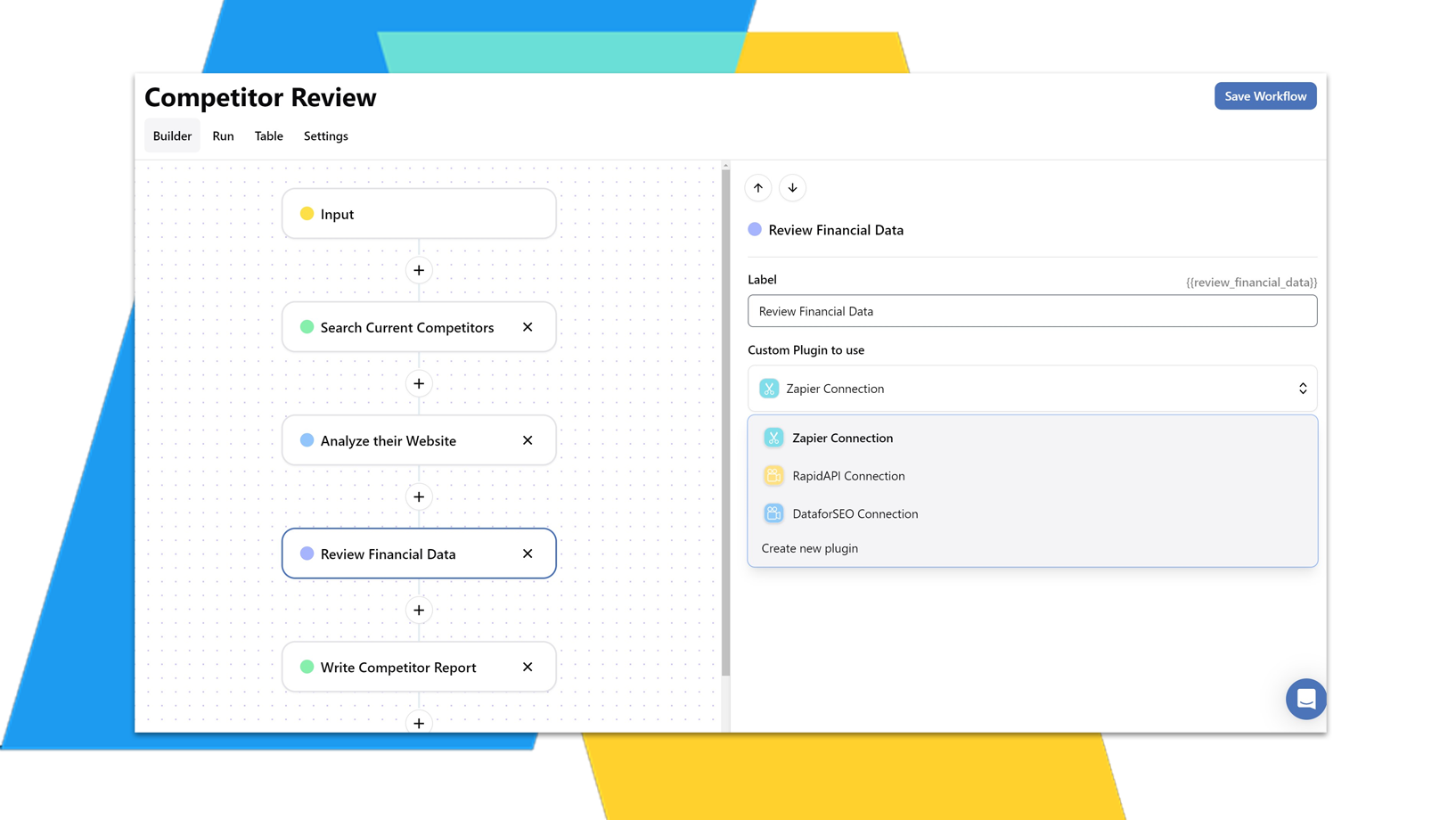
Create Enterprise-Level Automation with multi-step AI workflows by:
- Chatting with OpenAI or Gemini
- Connecting to Custom Plugins
- Integrating with Zapier
- Searching the Web
- Linking to Your Own Data Library
Streamline enterprise operations across your teams.



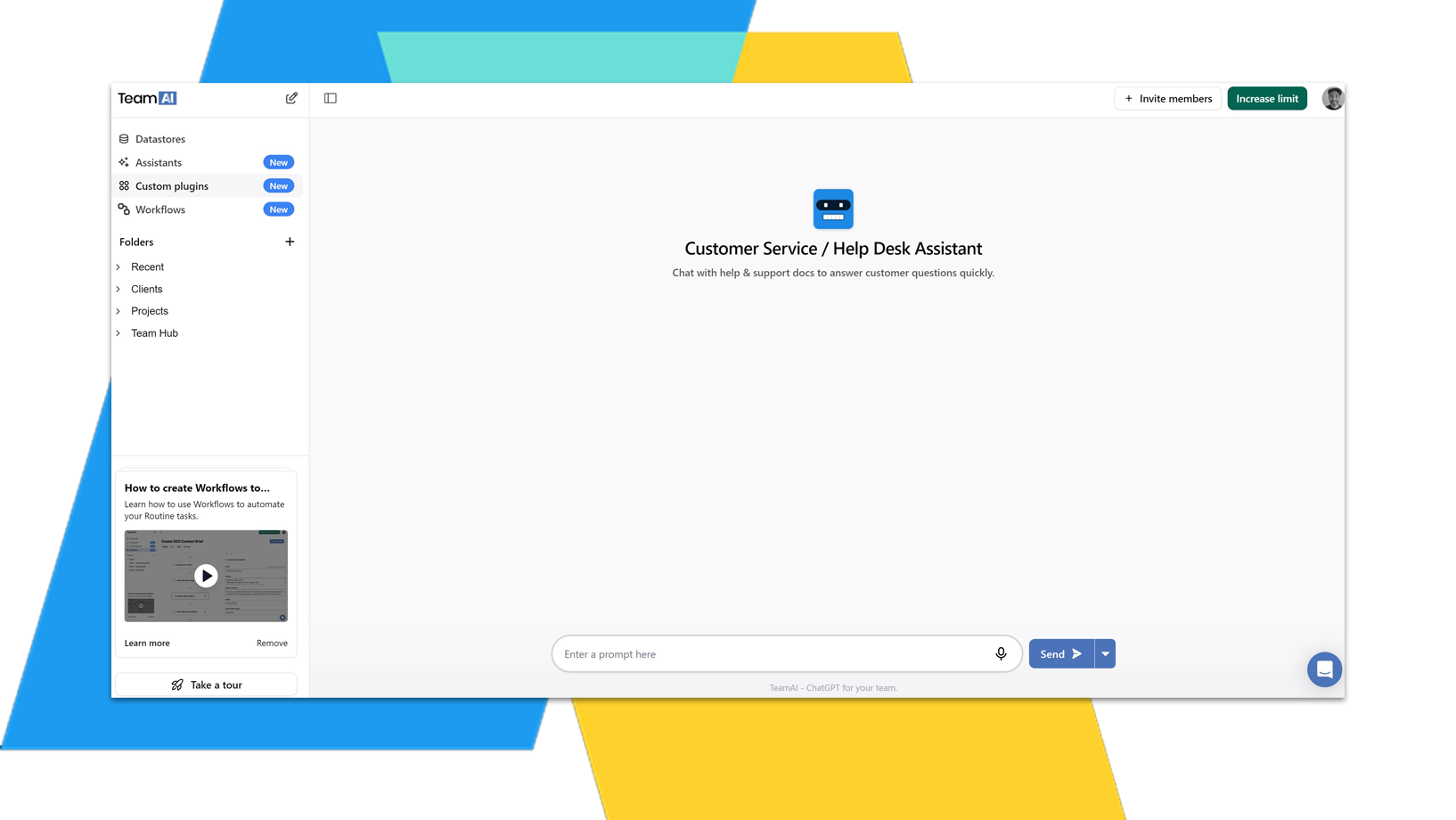
AI Chat Assistants
Tailor purpose-built chat assistants for any team at an enterprise-scale. Connect with:
- Your Own Document Library
- Zapier Integrations
- Custom Plugins & Database Connections
Provide custom instructions and personas to get the responses you need.



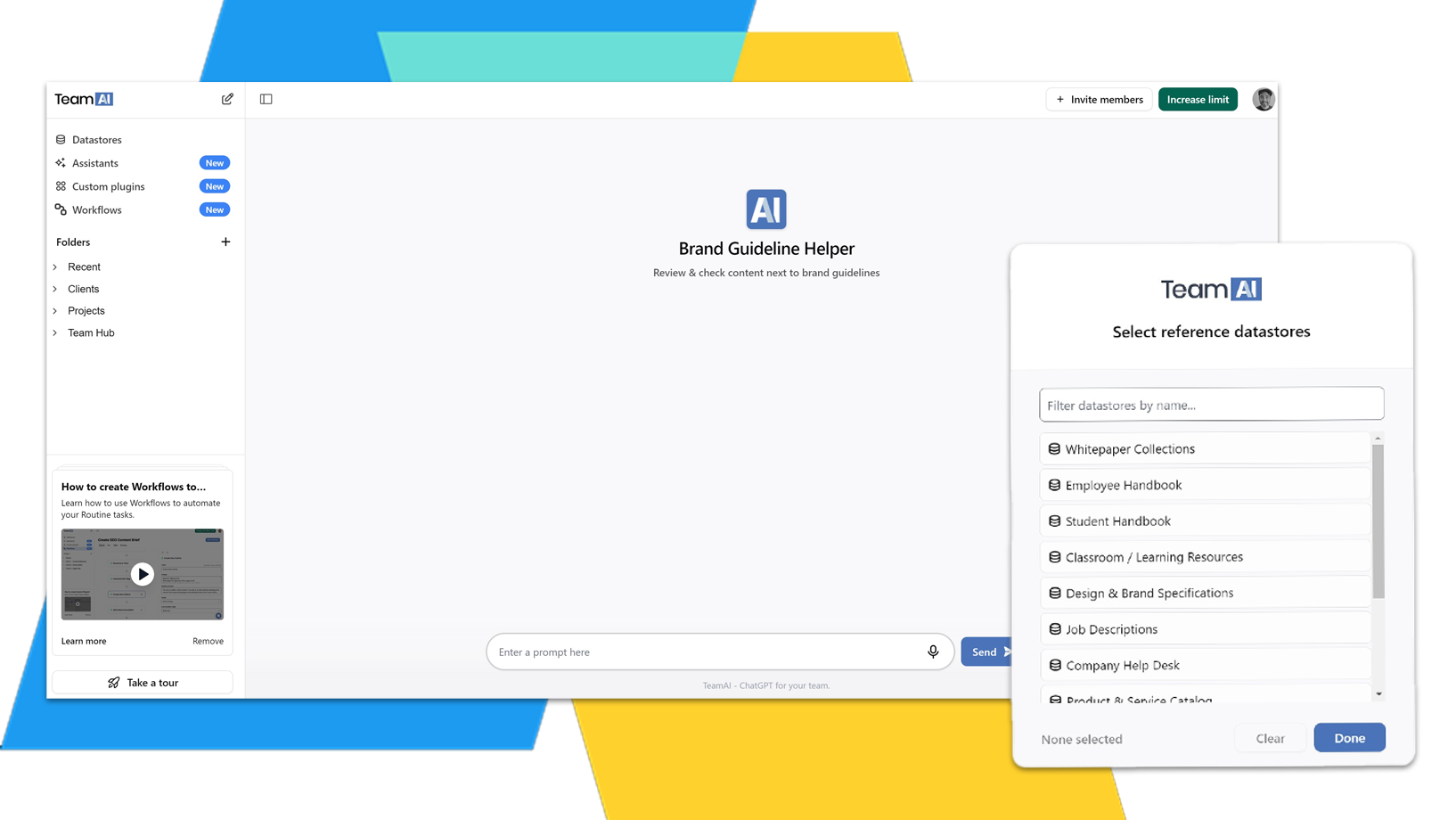
Document Libraries & Custom Plugin
Centralize your documents in a purpose-built database. Upload and chat with 1000s of your own documents including:
- Corporate Policies
- Training Materials
- Whitepapers & Marketing Materials
- Market Research
Facilitate easy access to critical information across teams.


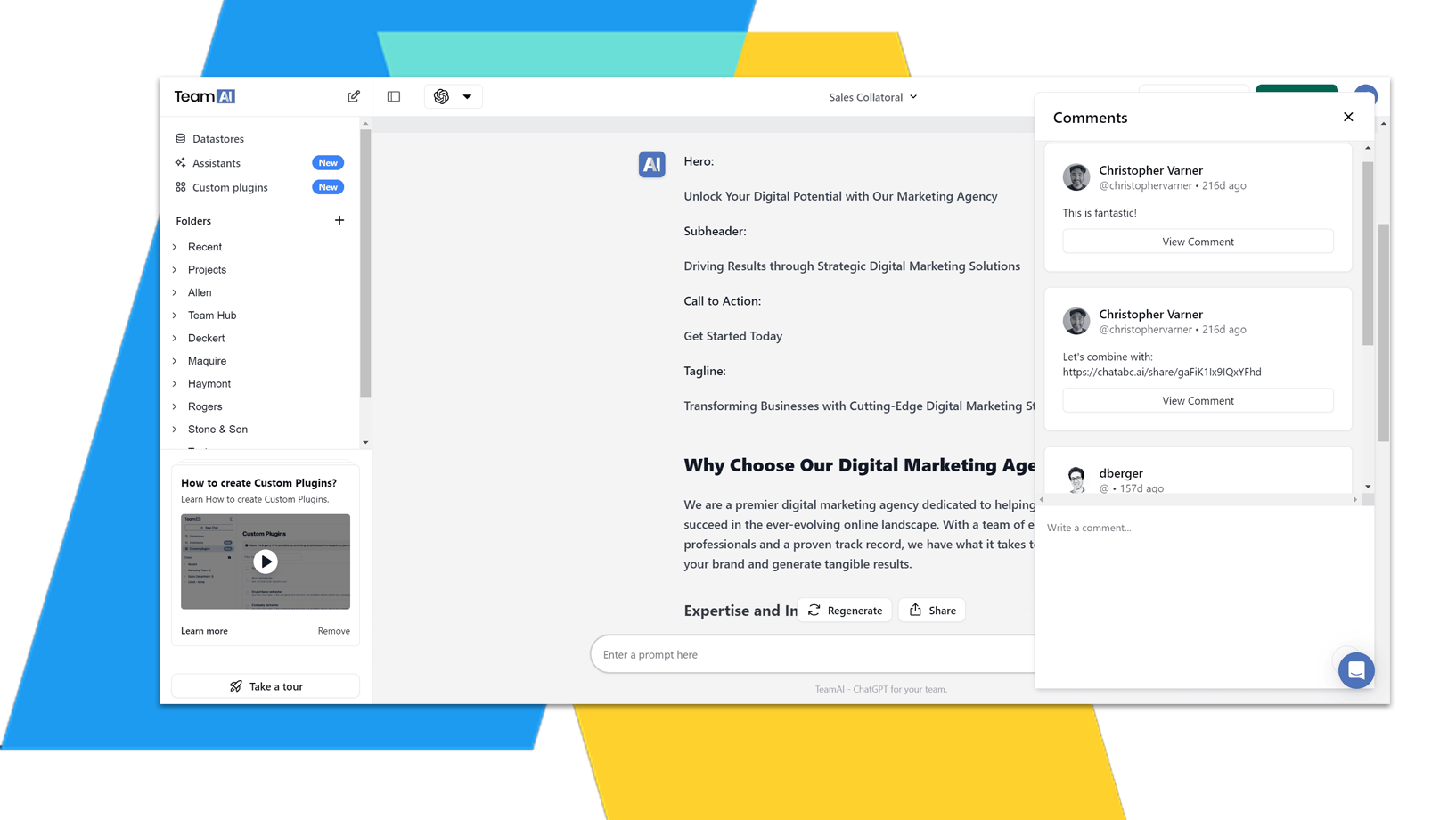
Collaborative Workspace
An enterprise workspace with shared conversations, prompts, documents and folder. Promote cross-departmental collaboration with:
- Shared knowledgebases and custom assistants
- Improved AI knowledge sharing
- Shared chats, folders & prompt libraries
Don’t work in a silo with your AI Chat solution. Use a tool that builds AI alignment into your organization.
Using Gemini & OpenAI
Keep your enterprise agile with the best AI solutions.
Today the best model is GPT4, tomorrow it’s Gemini Pro. Don’t get stuck with a single model platform like ChatGPT.
TeamAI let’s you pick the best available model for the job.
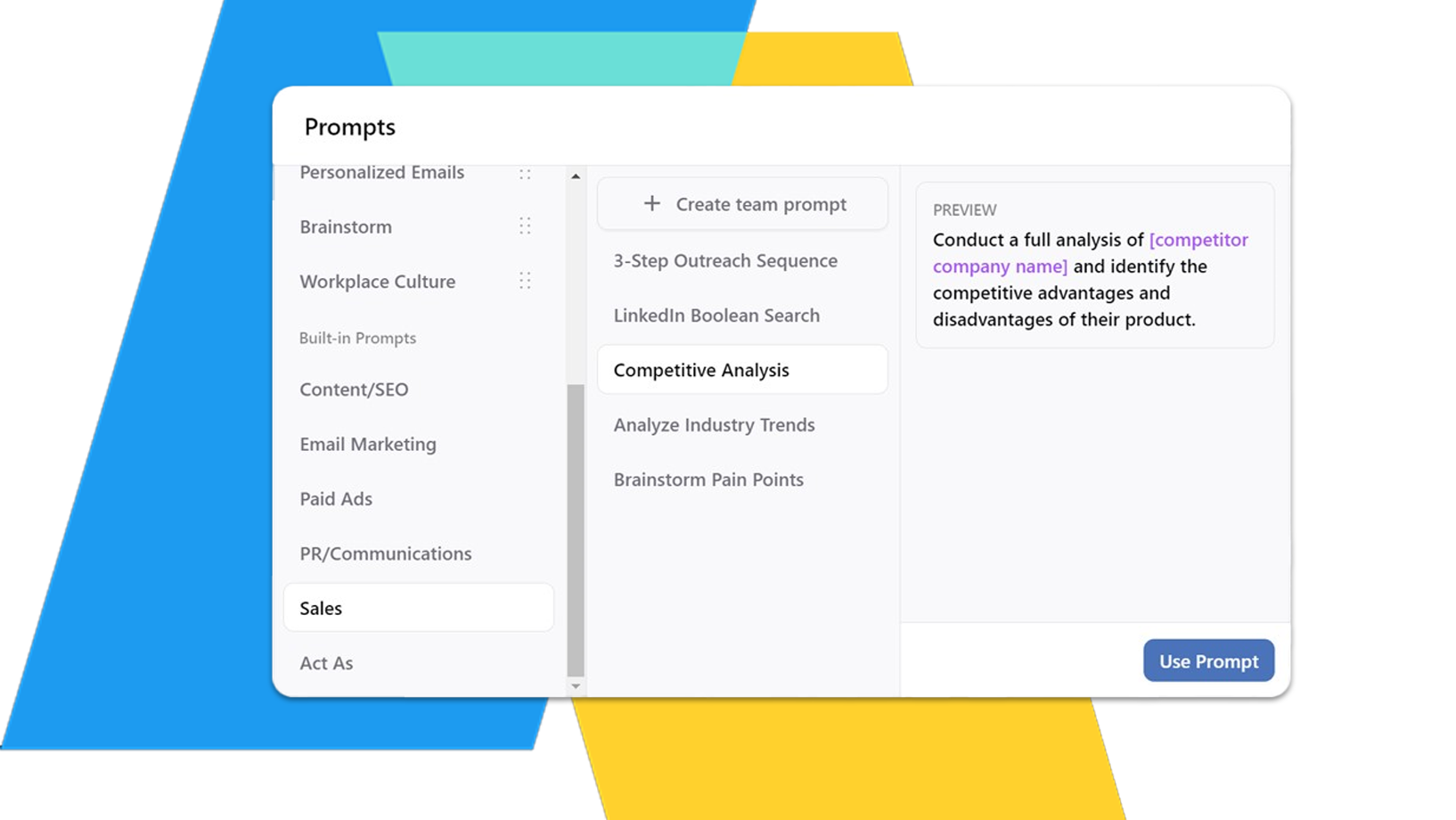
Custom Prompt Libraries
Create custom prompts that do the job for your business.
- Create and save approved, proprietary prompts templates.
- Share prompts across your workspace for your entire team.
- Organize prompts into relevant folders.
Quality Assurance & Oversight
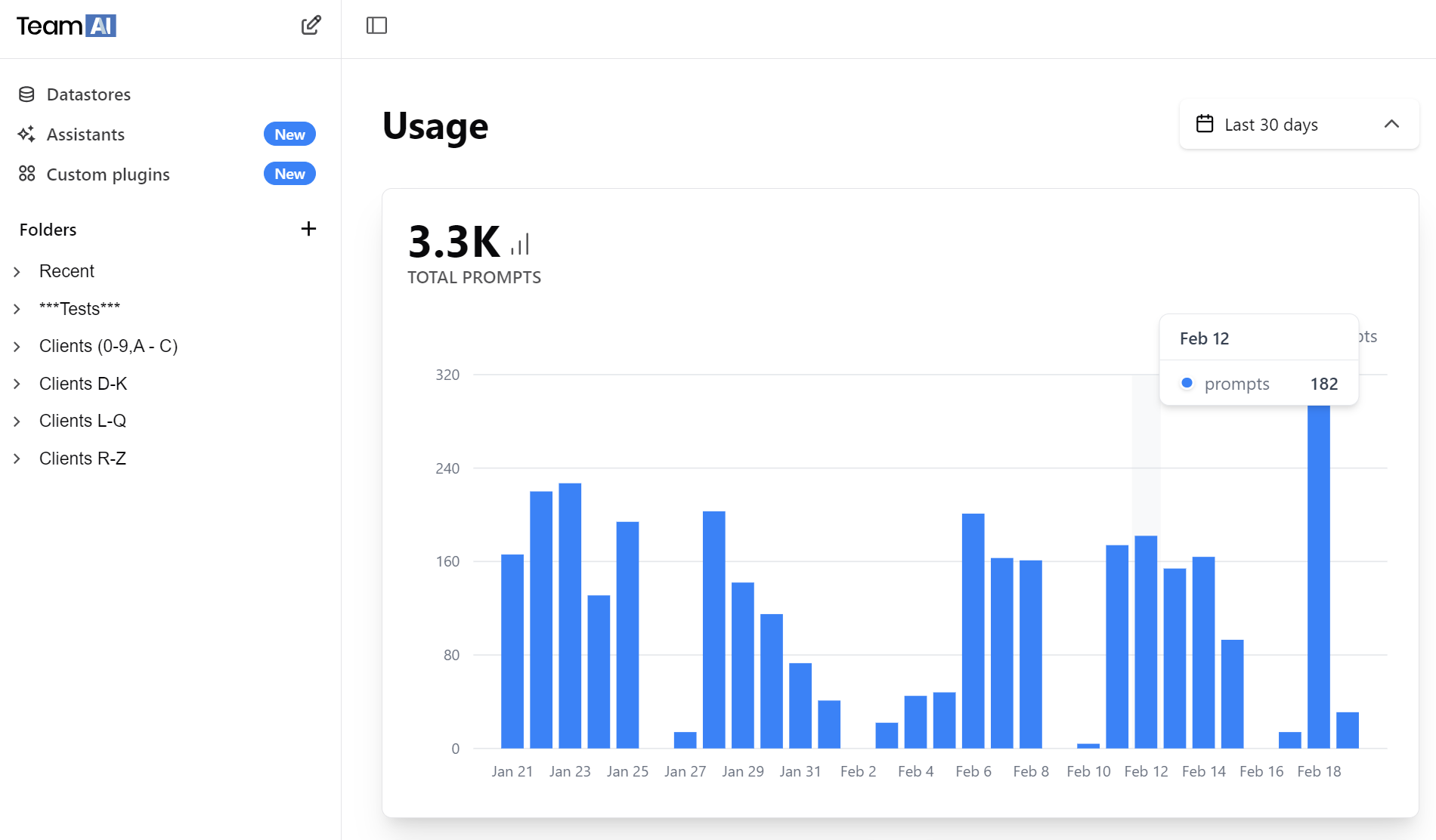
TeamAI let’s you see what your team is working on and how much they’re using AI.
- Provide quality assurance for your team.
- Improve AI use by promoting collaboration
- Keep an eye on costs through simple reports.

Get the AI Edge Over Competitors
From analyzing long documents to brainstorming content ideas, AI is paving the way forward for organizations of all sizes. A staggering 97% of business owners feel that ChatGPT will positively impact their operations. Take AI to the next level and stay ahead of the curve with a flexible workspace designed for whatever the future holds. Start Today »