
End AI Subscription Fatigue
The Best AI Models in One Place
End subscription fatigue. How much are you spending now for ChatGPT, Claude, Gemini and more? Get all these models under one roof without breaking the bank.
With TeamAI you gain access to all the most powerful models and the ability to build AI agents, chat with your own internal knowledge and save prompts.
Access to All Major LLMs



Trusted by teams across many industries


Why are you still paying for multiple LLM subscriptions?
Stop paying for scattered AI subscriptions. TeamAI gives you one unified workspace for ChatGPT, Claude, Gemini, and more – ready in minutes. Access multiple AI models at a fraction of the cost of managing separate subscriptions.
TeamAI lets you seamlessly switch between different AI models, maintain your personal prompt library, and create automated workflows that multiply your productivity. Get enterprise-grade features without juggling multiple subscriptions and logins.

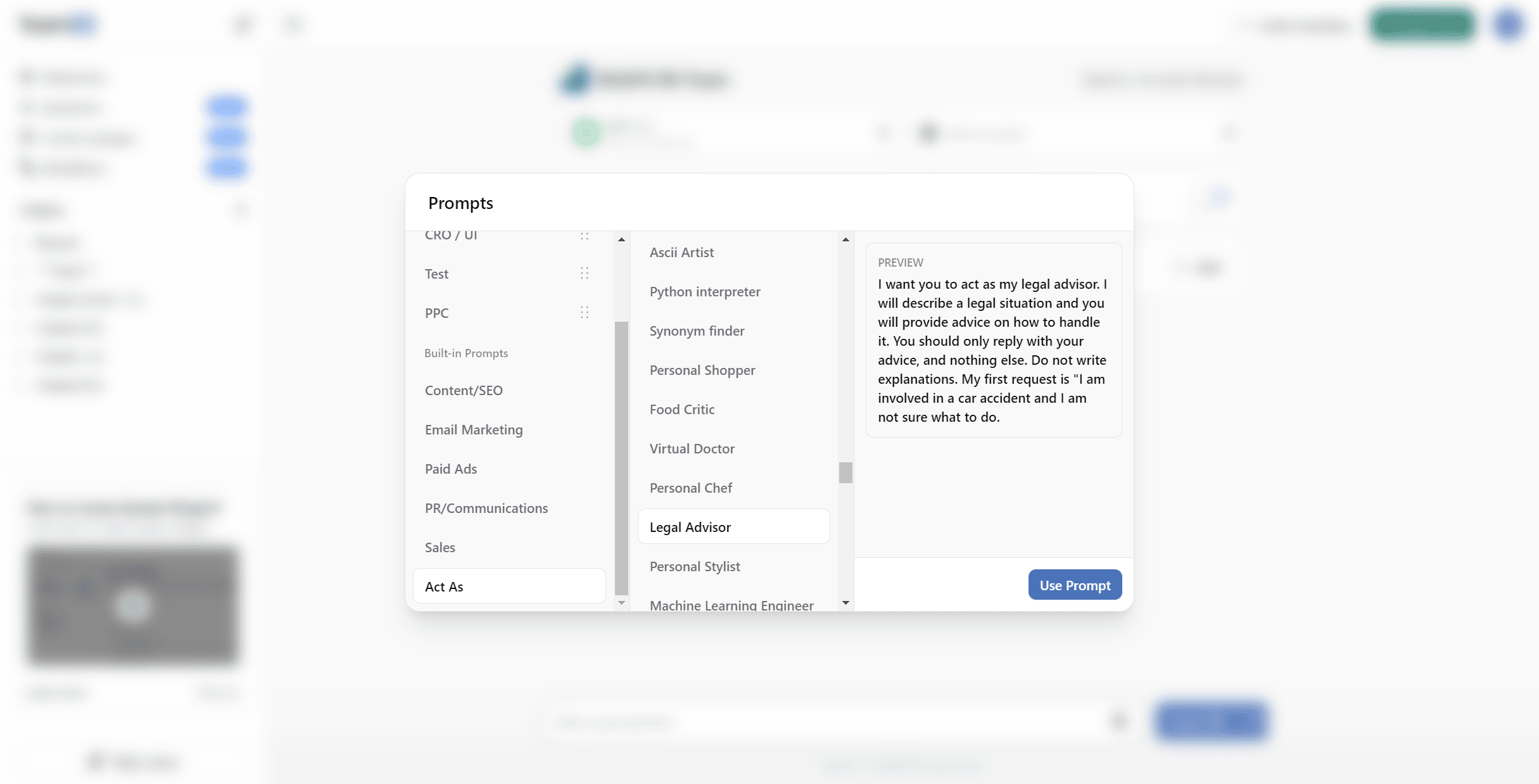
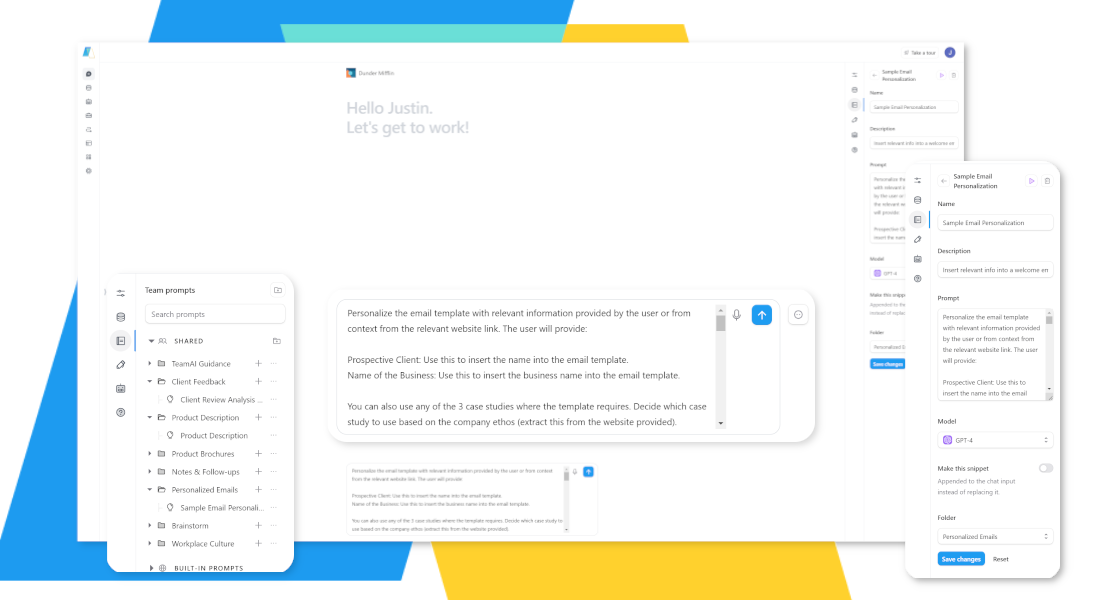
Custom Prompt Library
Why struggle to remember your best prompts? TeamAI’s personal prompt library lets you collect and organize your most effective AI commands in one central location.
When you discover a prompt that works perfectly, save it for future use and even combine different prompts into powerful workflows. Build a personal knowledge base of proven AI instructions that grows with your expertise, creating a valuable toolkit unique to your needs.



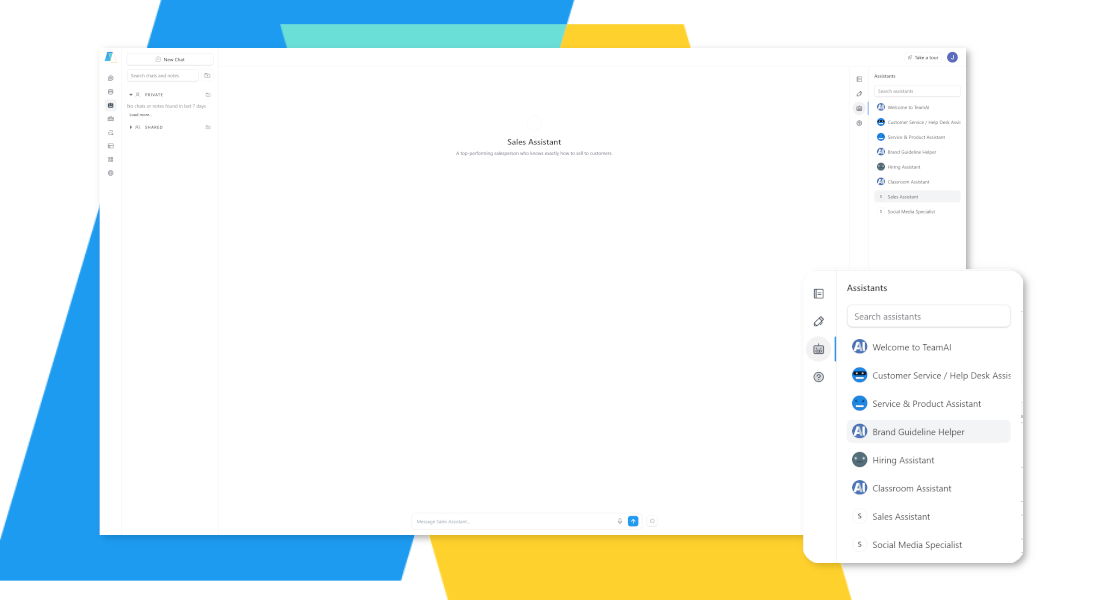
Custom Agents
Skip the limitations of single-model AI. TeamAI lets you create specialized AI Agents using the most powerful models from OpenAI, Claude, and Gemini to get the best results for each task. Access the strengths of multiple AI models in one seamless workspace.
Build custom agents that combine different AI models’ capabilities – no coding required. Let Claude analyze your documents, GPT handle creative tasks, and Gemini process your images, all through one intelligent assistant.



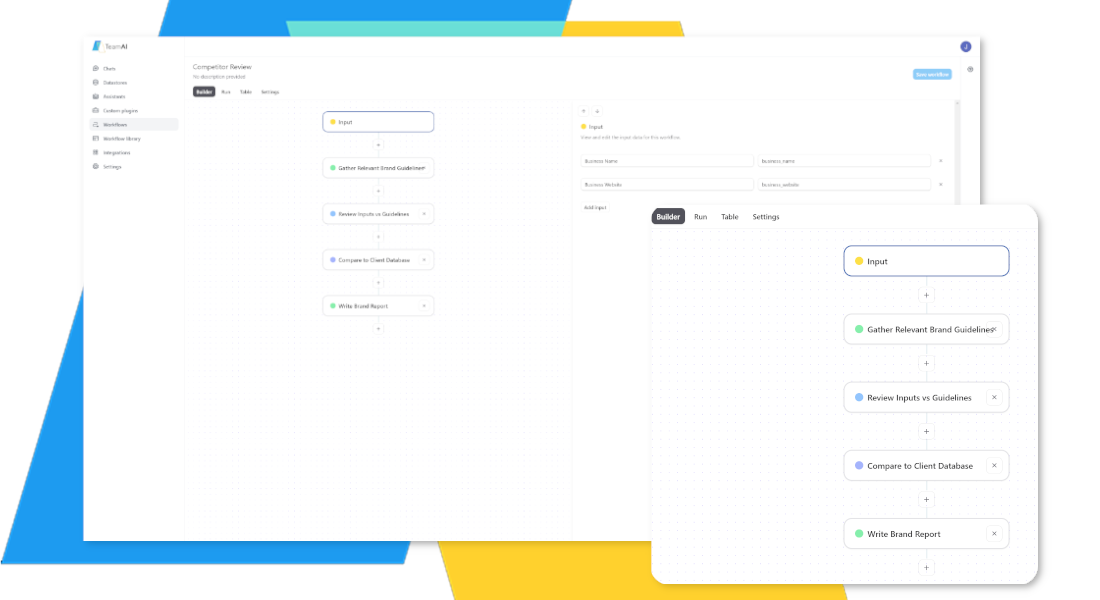
Automated AI Workflows
Automated Workflows can lessen the load for those juggling multiple responsibilities. This feature allows you to combine various prompts, custom plugins, and internet searches to create AI automation without code. You can set them up in minutes. Once set up, Automated Workflows streamline repetitive tasks and give you more consistent outputs even when different team members do the same task.


A Perfect AI Companion to Any Role
 Marketing

Generate Content Quickly
Generate content faster to keep your strategies up-to-date.
Automated Workflows
Automate your workflows so you can spend time on high-value tasks.
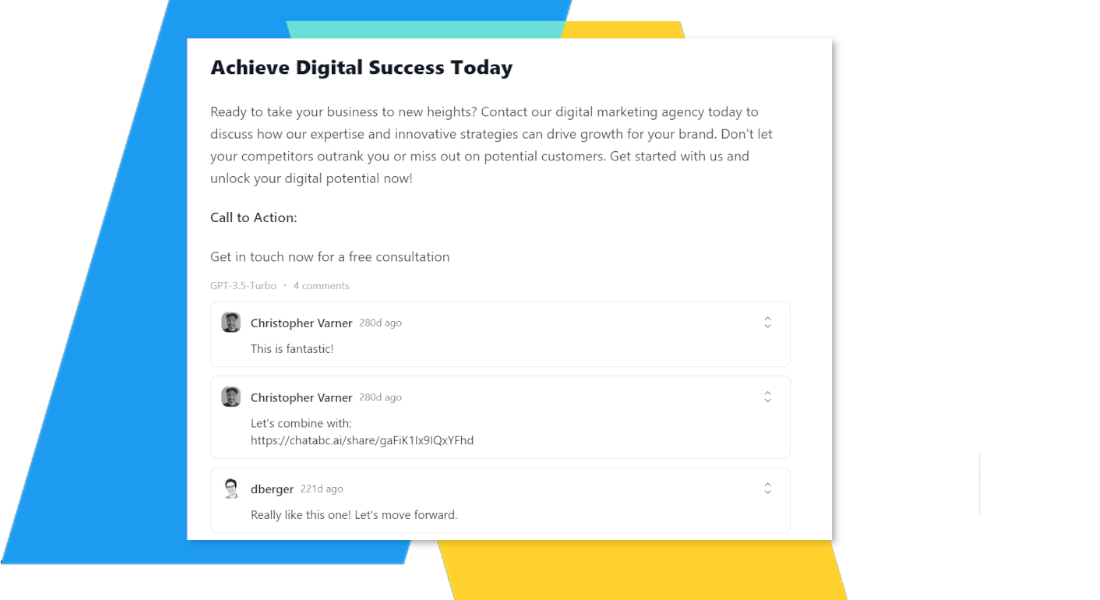
 Design
Get Insights from Images
Upload images to get insights.
Spark New Ideas
Jump-start your creativity.
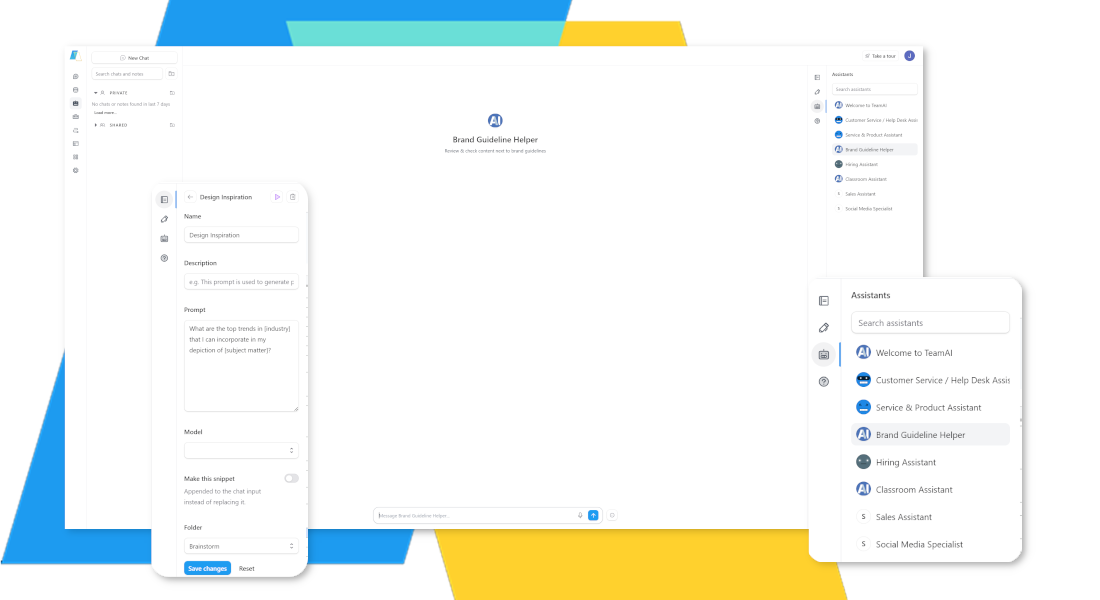
 Hiring
Generate Relevant Questions
Have your AI agent craft relevant interview questions based on the position and your goals.
Analyze Resumes & CVs
Upload a list of responsibilities, and your AI can build a targeted job listing to attract quality candidates.
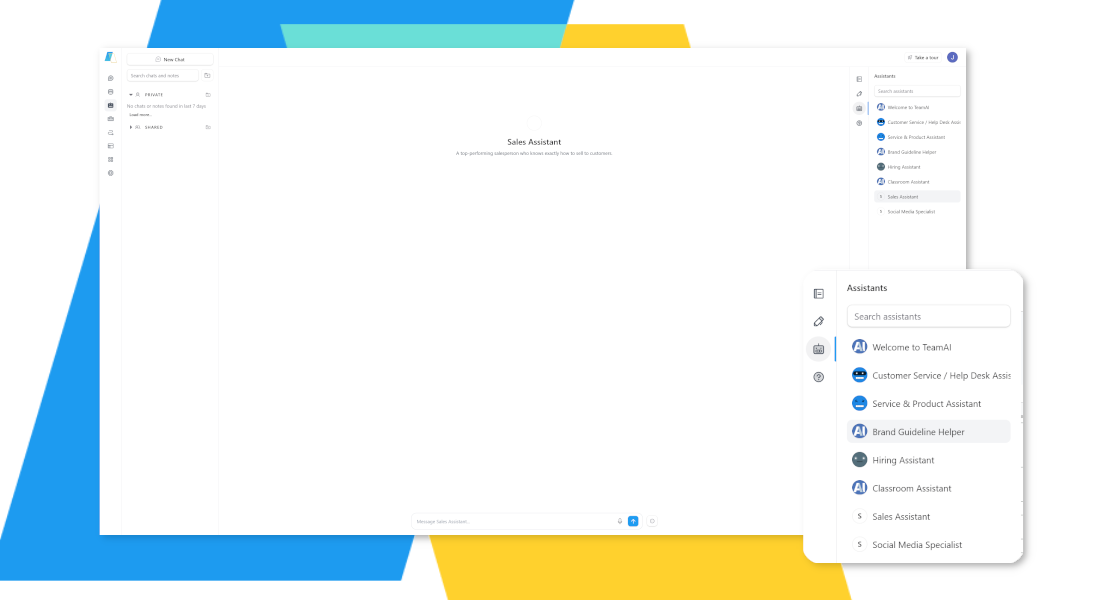
 HR + Ops
Build Team Guidance
Let your AI generate outlines for handbooks and guides.
Promote Team Learning
Help employees master generative AI through usage insights that tell you where to intervene.
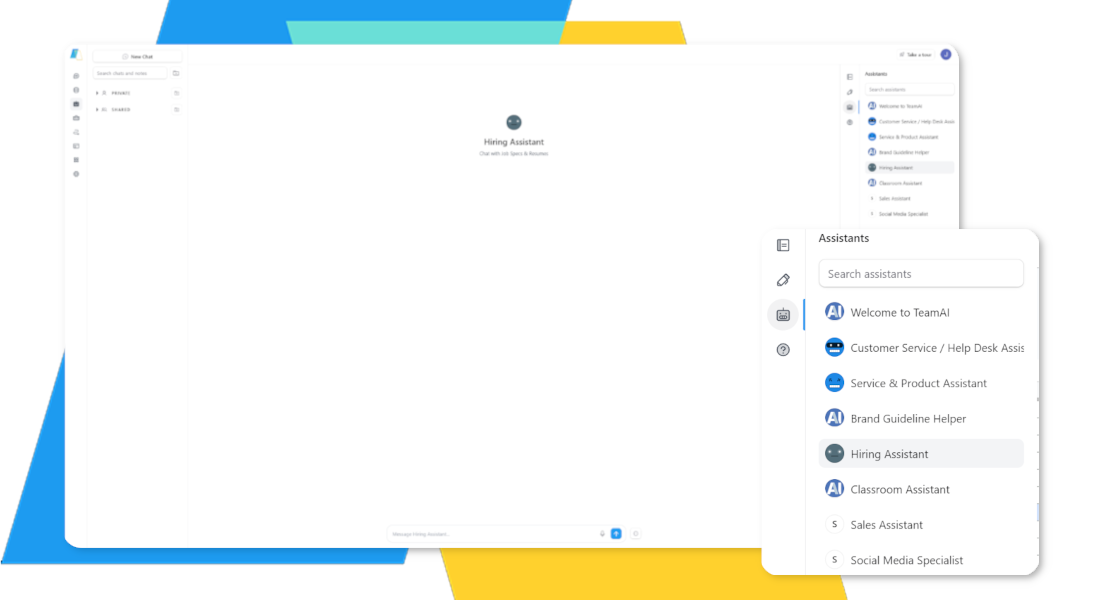
 Sales
Sales
Conduct Market Research
Distill vast amounts of information to identify what your prospects care about.
Ask the Right Questions
AI will help you generate relevant questions and find opportunities with prospects.
 Public Relations
Refine Communications
Have the AI generate text for press releases based on contextual details.
Simplify Frequent Tasks
Need to share reports every month? Add a prompt your custom library to build your messaging faster.
![A blurred screenshot shows a user interface with a section labeled "Prompts." On the left, there are options like "Action Phrases," "Content Ideas," "Email Marketing," "Fact-Checking," and "P&P Administration." In the center, under "Second Brain," options include "Product Brochure," "Customer Care Body," "Write a Newsletter," "Social Media," and "Press Release." To the right, a text box displays a prompt: "Write an internet money to [Company Name] regarding [Topic] in the menu. Apply [Key Details] and [Desired Outcome]. Describe the action, allocate, time, steps, and timeline."](https://platform.teamai.com/wp-content/uploads/2024/02/HR-Ops.png)
 Business Development
Conduct Research Quickly
Summarize and distill information to improve your strategy.
Find Supporting Evidence
Ask the AI to point you toward cases or research that support your claim.